Book any time
Guests reserve when it suits them, even when you're closed.
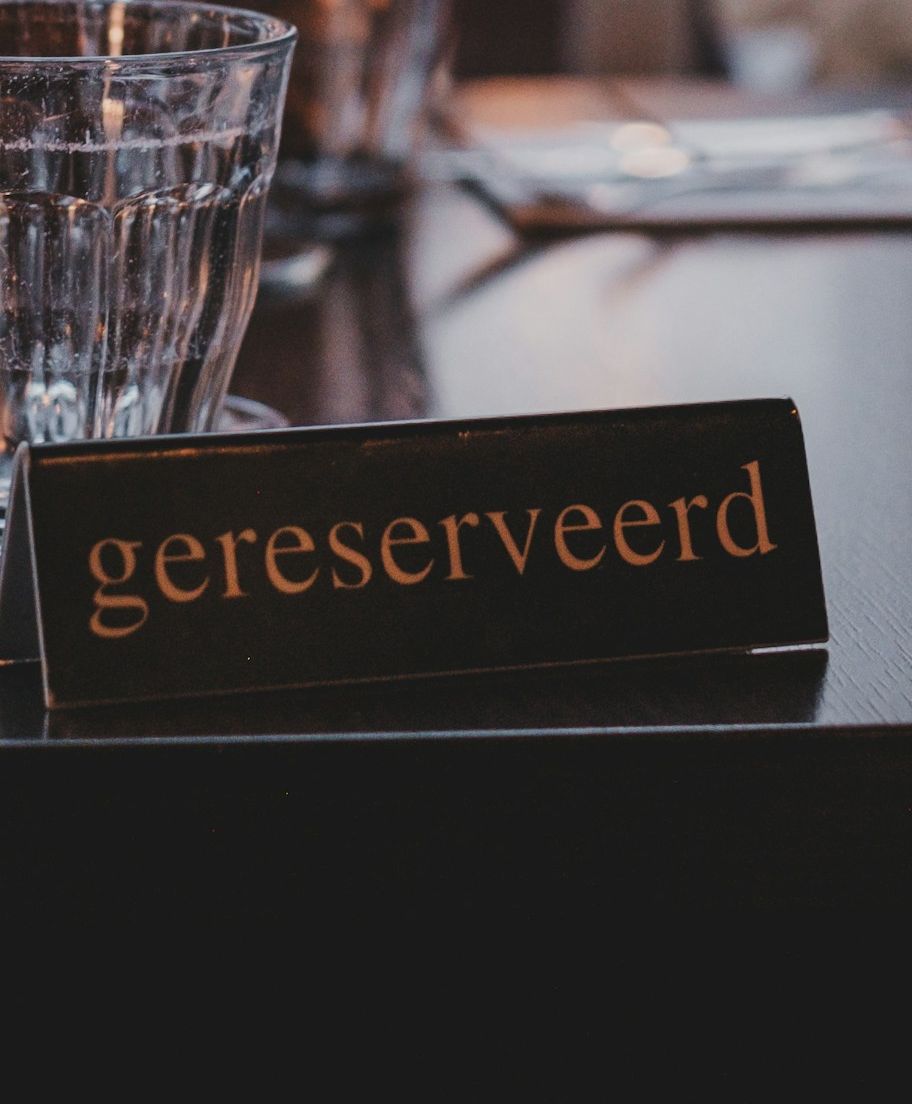
Let guests book a table in a few taps, and give your team a clear picture of the evening ahead.
Included in every plan, Free tooA reservation system lets guests book a table online at a time that suits them, while your team sees who's coming and when. It replaces the paper diary and cuts down on phone calls during service.
Table reservations are included in every Restaurant by DTS plan, alongside your ordering channels. Bookable times follow your opening hours, and you decide how many guests you seat at once, the largest group and how far ahead guests can book. On the Pro plan we set it up for you.
Every unanswered call during a busy service is a guest who might book elsewhere.
Guests reserve when it suits them, even when you're closed.
Your team can focus on the guests who are already there.
See the evening's bookings at a glance and plan staff accordingly.
Bookings and ordering come from the same team and platform.
Online booking fits venues where guests plan their visit ahead.
Guests can book the moment they decide, not only when you pick up the phone.
Knowing who's coming helps you plan staff, prep and stock.
Fewer interruptions at the door and on the phone.
Guests choose date, time and party size in a few taps.
Configured around your dining room and opening hours.
A clear list of the day's reservations for your team.
Add the booking link to your website, Google profile and socials.
Runs alongside your QR, kiosk and online ordering with Restaurant by DTS.
Booking page and confirmation and reminder emails in the guest's language.
In Reservations, turn on online booking and set your booking rules.
Bookable times follow the opening hours in your settings.
Book a table yourself and see the confirmation email arrive.
Put the booking link or QR poster wherever guests find you.
Start on the Free plan and switch to a monthly plan whenever it suits you. What you pay for:
A restaurant reservation system gives guests an online booking page, applies your capacity rules automatically, sends confirmations and reminders, and gives your team one overview of every booking, including phone bookings. Free options exist; paid systems usually charge a monthly fee, a fee per seated guest (cover), or both. The most effective ways to cut no-shows are a reminder with a one-click cancellation link, deposits or card guarantees for peak times and groups, and a clear cancellation policy agreed before the guest books.
Read guideBook a free demo and we'll walk you through the setup for your menu, your tables and your team.

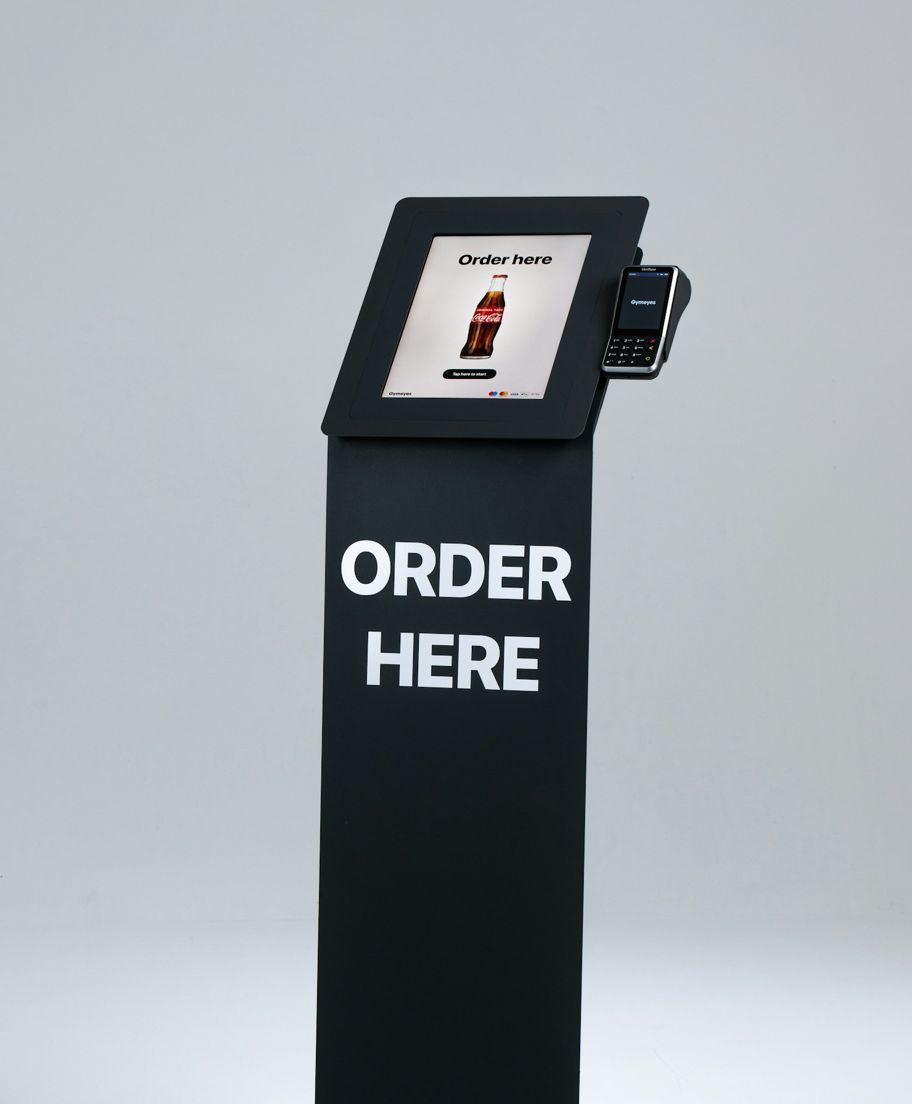 Self-ordering kiosk
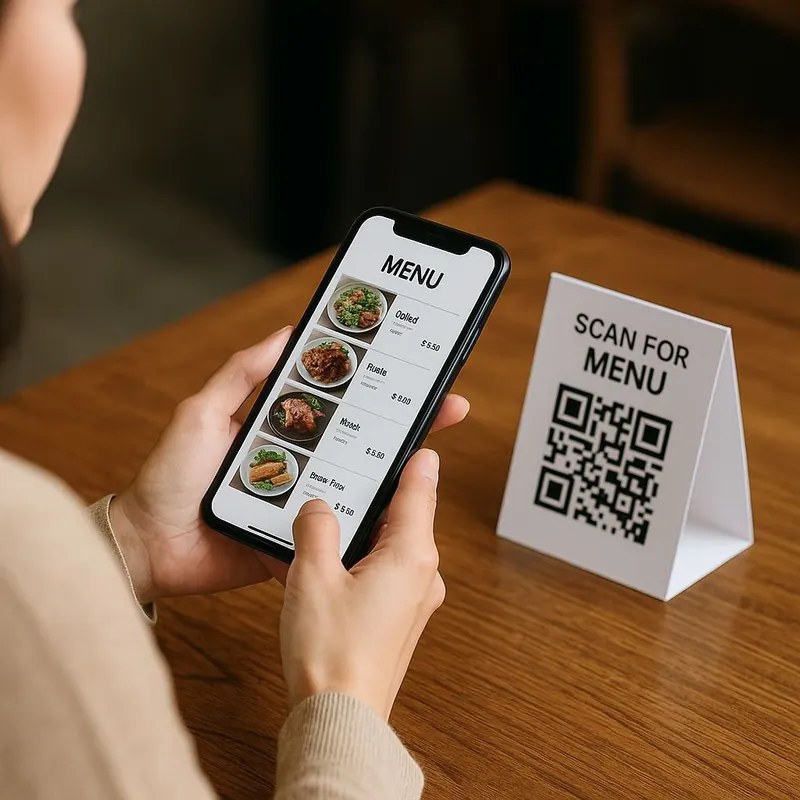 QR code ordering
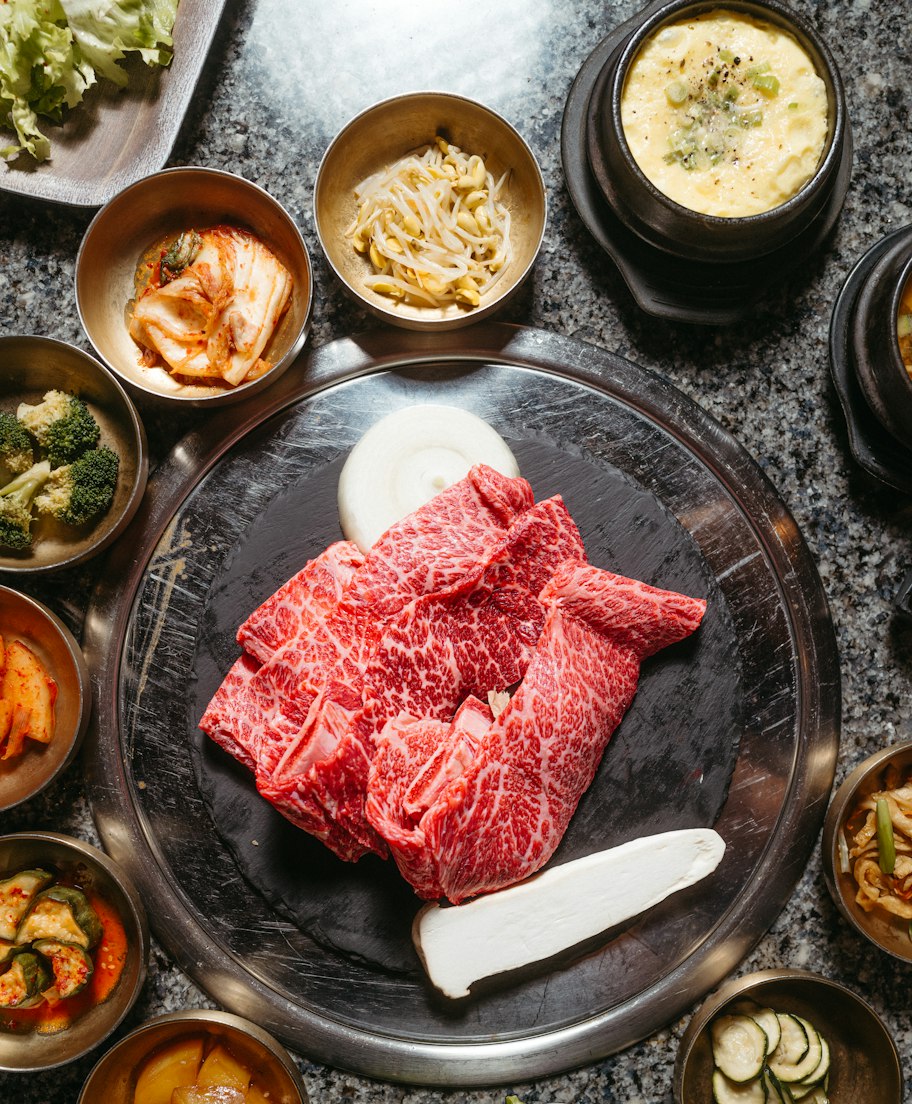 All you can eat
 Webshop (Takeaway & Delivery)