Guests order in parallel
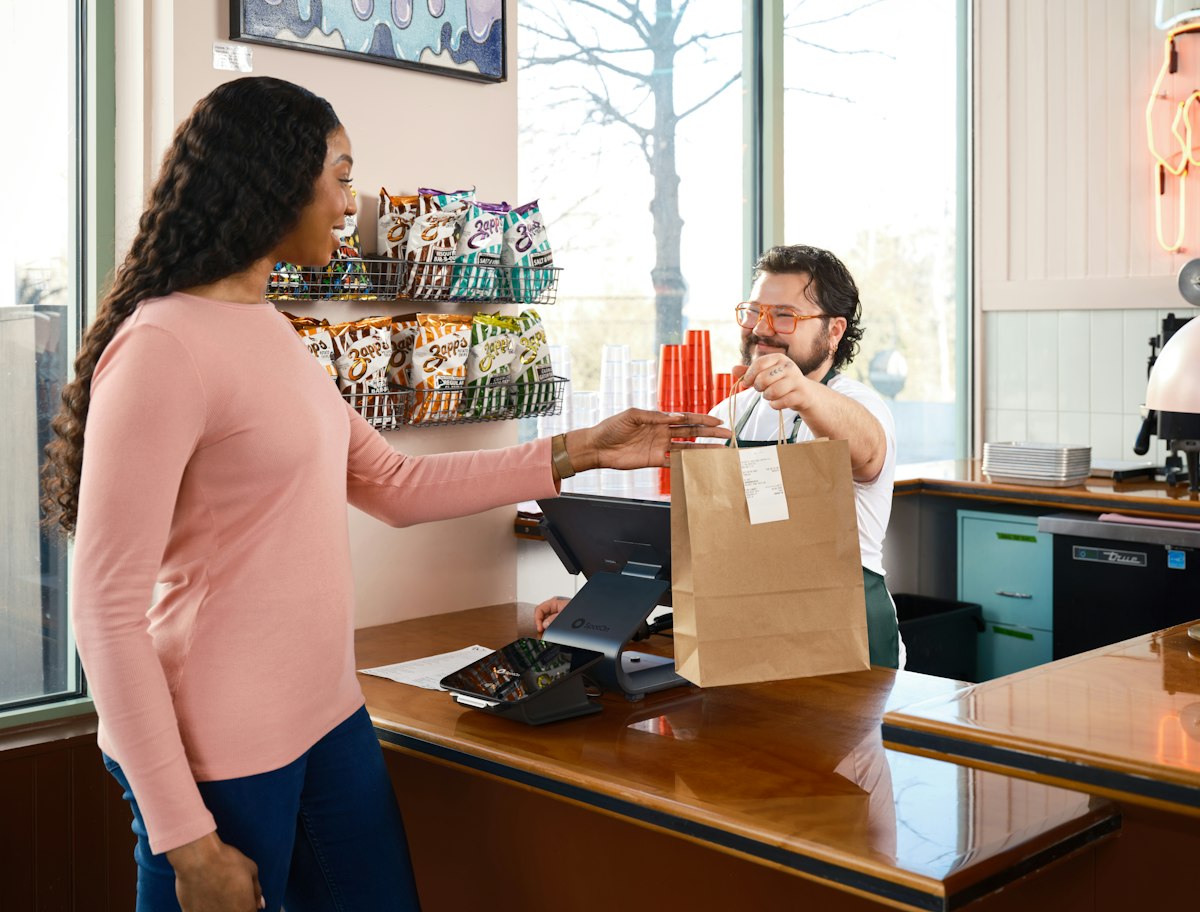
Several guests can order at once instead of waiting for one cashier, so the line moves faster at peak times.
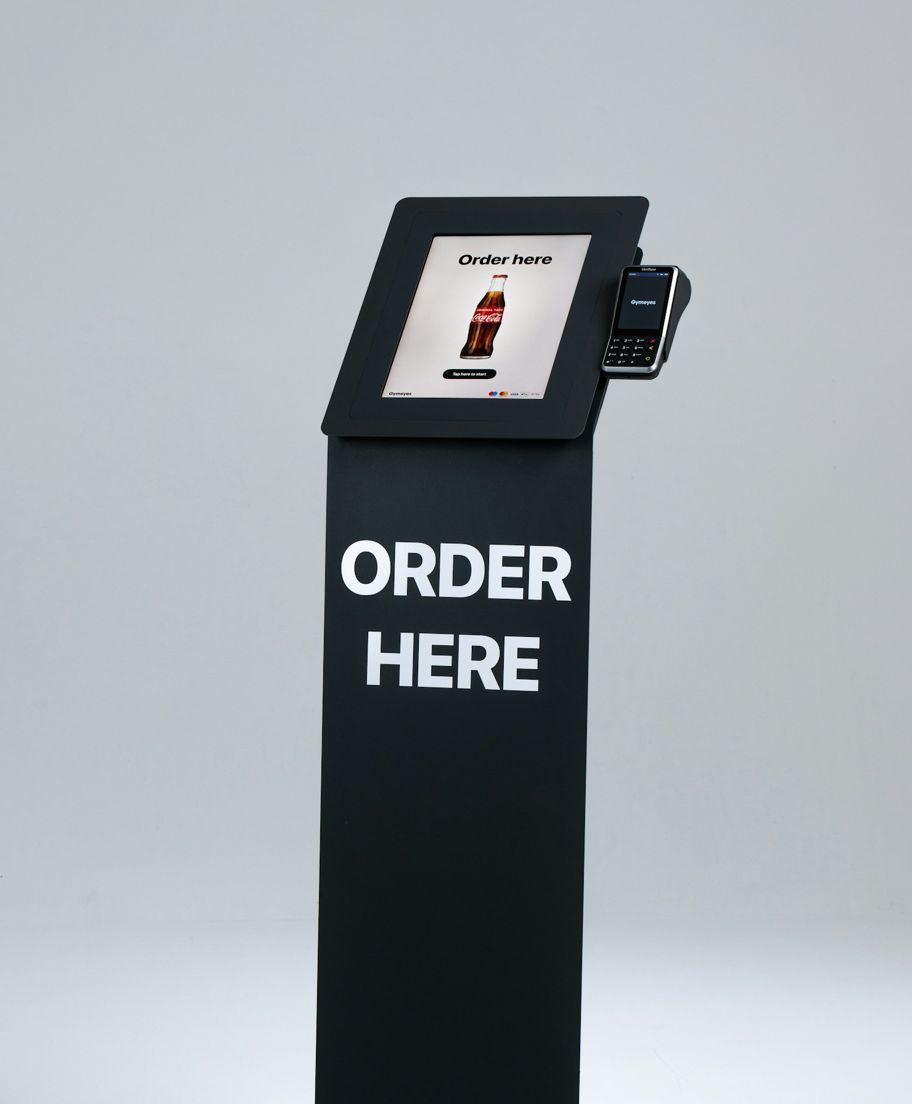
Guests choose, customise and pay at the screen, while your team focuses on the food. Any tablet becomes a kiosk in minutes.
A self-ordering kiosk is a touchscreen where guests build their own order: they browse your menu with photos, choose extras, check allergens and pay, without waiting for someone behind the counter.
With Restaurant by DTS you don't need special hardware. Any tablet on a stand becomes a kiosk. Each kiosk station has its own link and settings, and every order lands on the same kitchen screen and dashboard as your QR and online orders.
Kiosks take the pressure off the busiest moment of service: the queue at the counter.
Several guests can order at once instead of waiting for one cashier, so the line moves faster at peak times.
Guests tap exactly what they want, including extras and notes, so the kitchen receives a clear, correct ticket.
Mark a dish unavailable and it disappears from every kiosk at once. When stock runs out, it switches off automatically.
Instead of typing orders, your team prepares food, hands out orders and looks after guests.
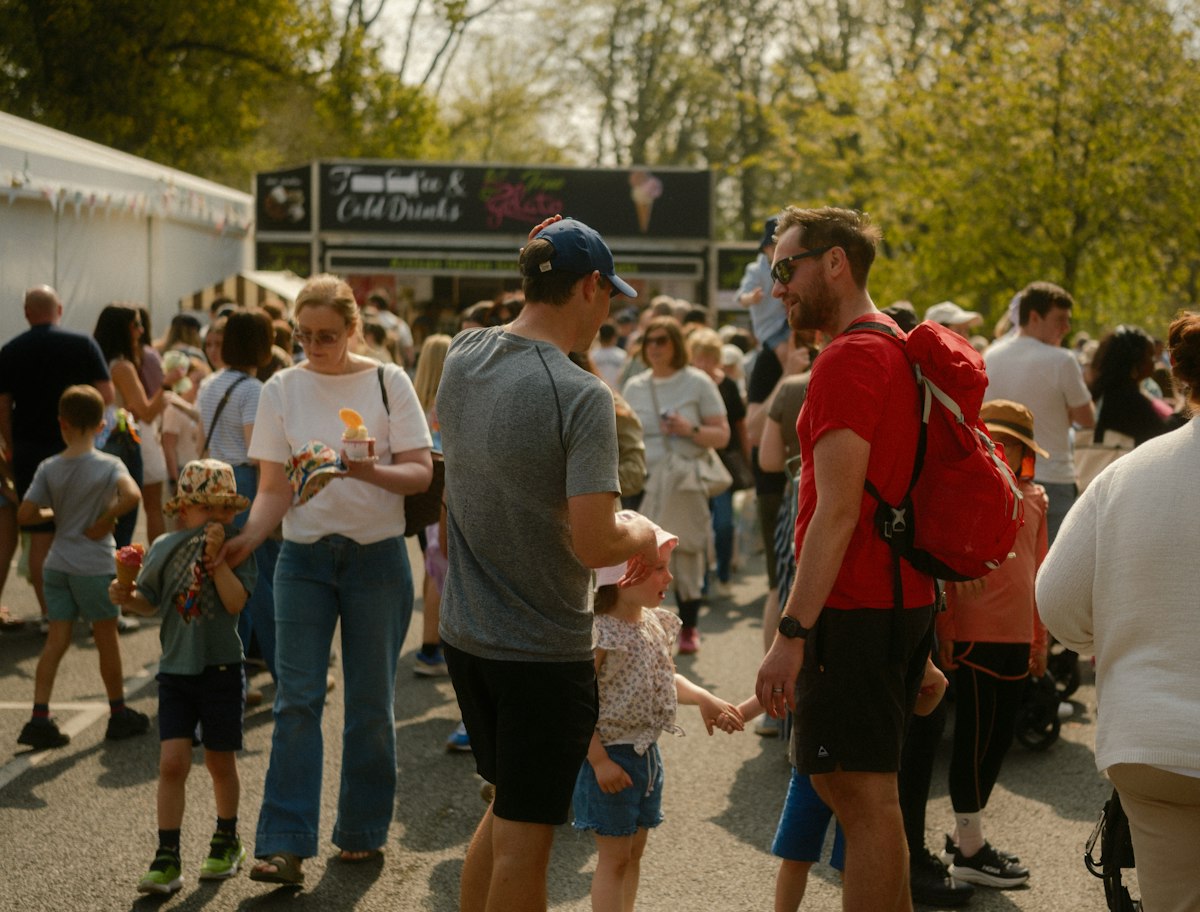
Kiosks shine wherever many guests arrive at once and want to order quickly.
More orders handled in the same time, because ordering no longer depends on how many tills are staffed.
Photos, extras and upsell suggestions are shown every single time, so guests discover more of your menu.
Every kiosk order is paid, timestamped and counted in your daily Z-report and analytics.
Both channels run on the same menu and kitchen flow. Many venues use both.
Create as many named stations as you need, each with its own link, QR code, location and settings.
Categories on the left, dishes with photos in the middle and the cart always in view.
Guests type a dish name and find it instantly, even on a large menu.
A language selector next to the cart lets guests order in English, Dutch, German, French or Spanish.
Reusable add-ons and choice groups let guests customize every dish exactly as they like.
Vegan, vegetarian and gluten-free tags plus allergen warnings on every dish.
Choose the payment mode per station. After a card payment the kiosk returns to the menu automatically.
The screen stays on while the kiosk is open and resets itself between guests.
Orders appear on the kitchen display and print on your kitchen printer the moment they're paid.
Add categories, dishes, photos, prices, extras and allergens once: they're used on every channel.
Under Tools › Self Ordering Kiosks, name the station, pick the payment mode and default order type.
Open the station link on any tablet, put it on a stand and you're ready for guests.
Orders flow to the kitchen screen; sales show up in your dashboard and daily Z-report.
Because the kiosk runs on a normal tablet, the investment is much lower than with traditional kiosk hardware. Three things determine your cost:
A self-order kiosk is a touchscreen where guests build and pay for their own order, which then goes straight to the kitchen. Published all-in-one packages start at around €499 or £499 for the hardware plus roughly £35 to €79 a month for software, while a tablet on a stand can be cheaper. Kiosks pay off where queues form at a counter (quick service, takeaways, food courts, cafeterias, events), not in table-service restaurants with low walk-in traffic.
Read guideBook a free demo and we'll walk you through the setup for your menu, your tables and your team.
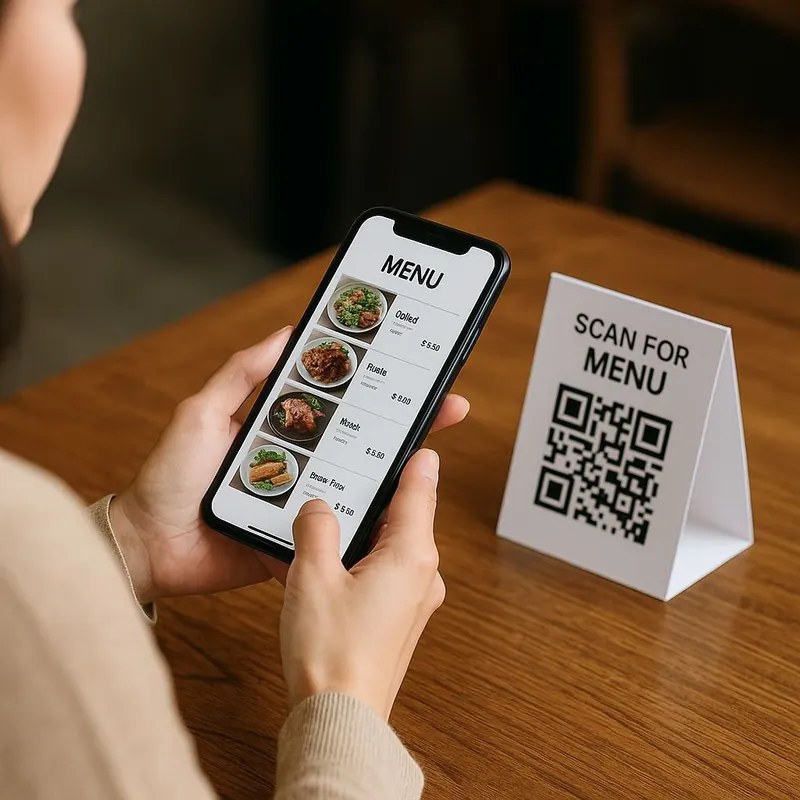 QR code ordering
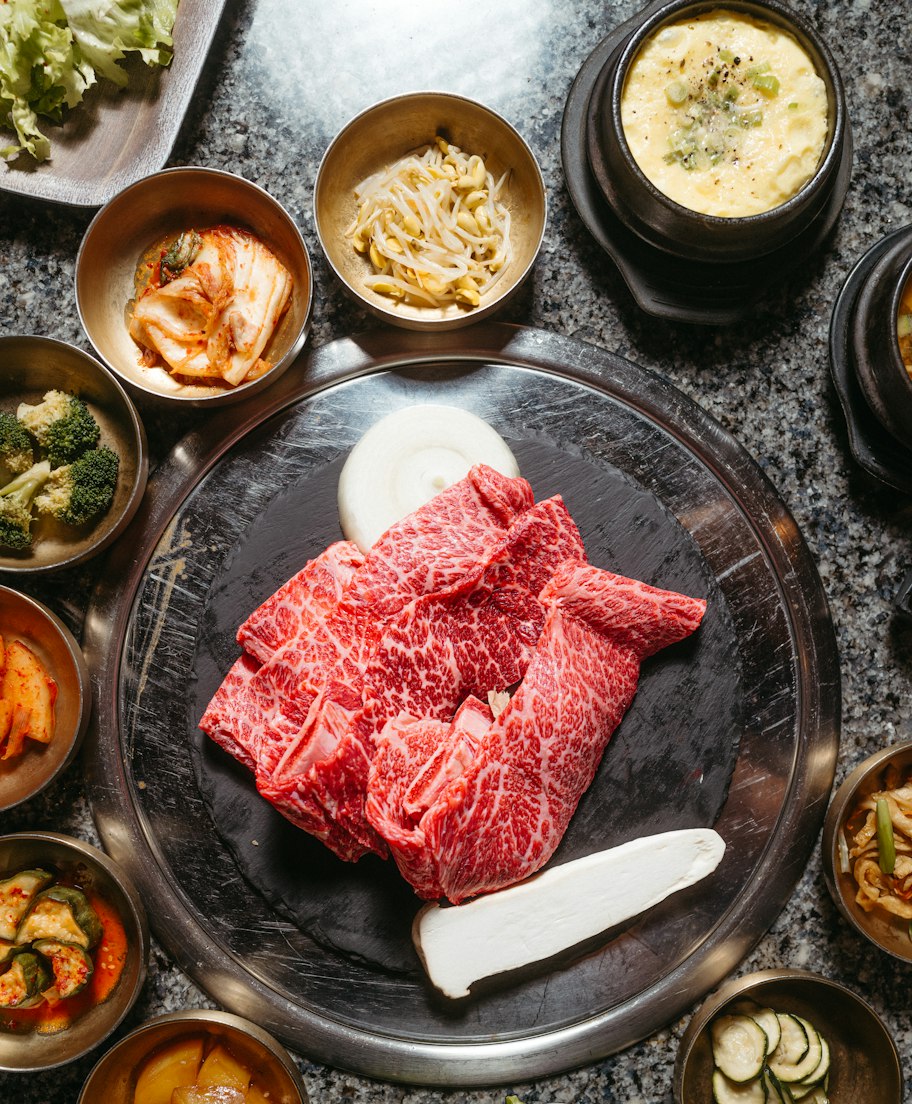 All you can eat
 Webshop (Takeaway & Delivery)
 Table reservations