Order the moment they're ready
Guests don't have to catch a waiter's eye. A second drink is one tap away.
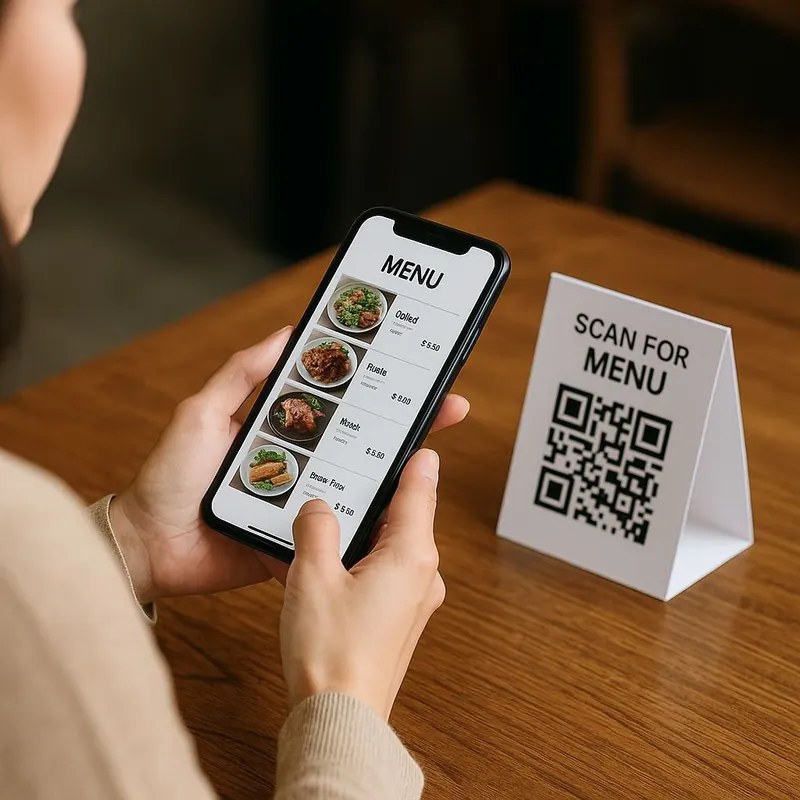
Your menu is already at the table. Guests scan a QR code, order from their own phone and pay, no app download, no waiting for the bill.
QR ordering puts a code on every table. Guests scan it with their phone camera and your full menu opens in the browser, with photos, extras, allergens and prices. They order and pay, and the order goes straight to your kitchen with the table number on it.
Because guests use their own phone, there's nothing to install and nothing to buy. You print the codes from your dashboard, and every order joins the same kitchen flow as your kiosk, counter and online orders.
QR ordering keeps guests happy at the table and keeps your floor team in control.
Guests don't have to catch a waiter's eye. A second drink is one tap away.
Every QR code is linked to a table, so orders arrive with the right table number every time.
Guests pay online when they order, so tables turn over without the end-of-meal wait.
No app for guests, no hardware for you, just a printed code on the table.
QR ordering fits every place where guests sit down and stay a while.
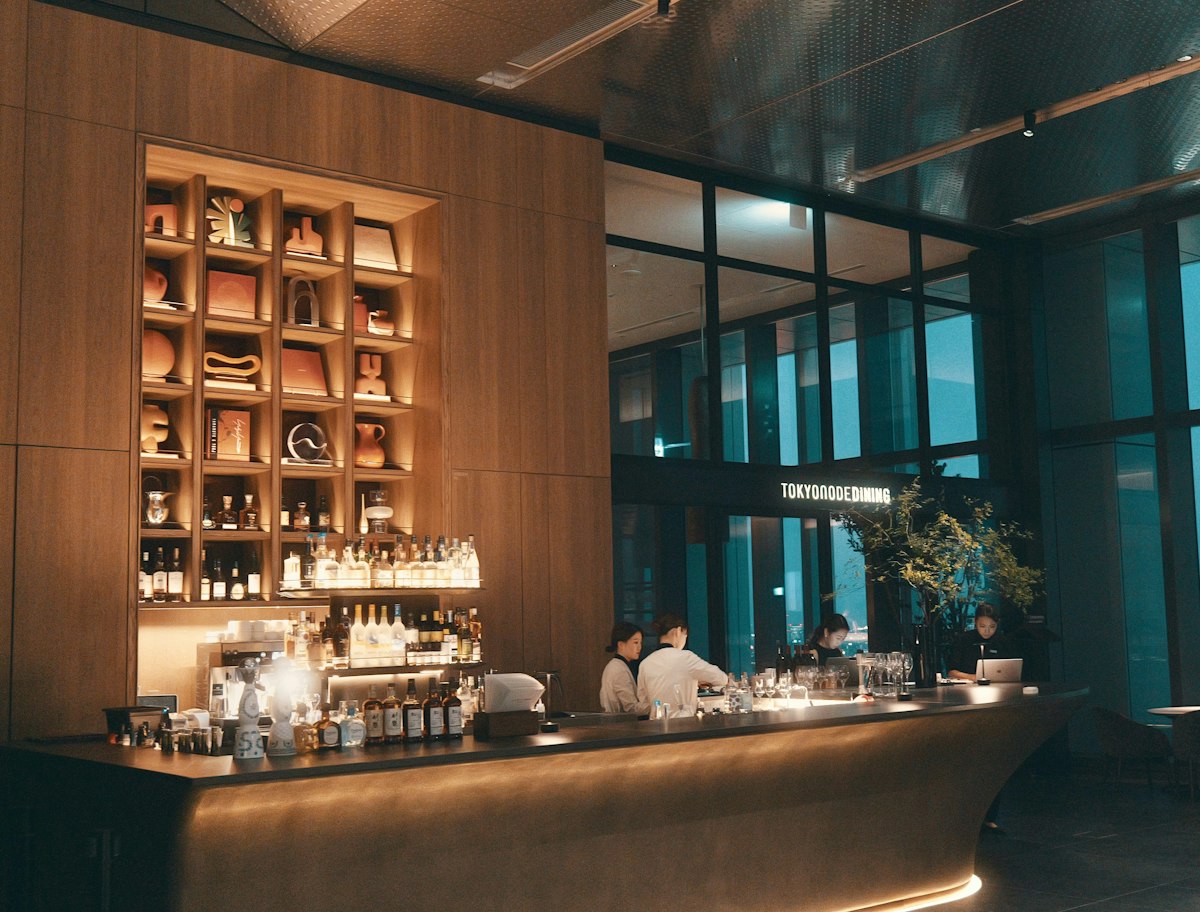
Digital ordering for hotels and resorts
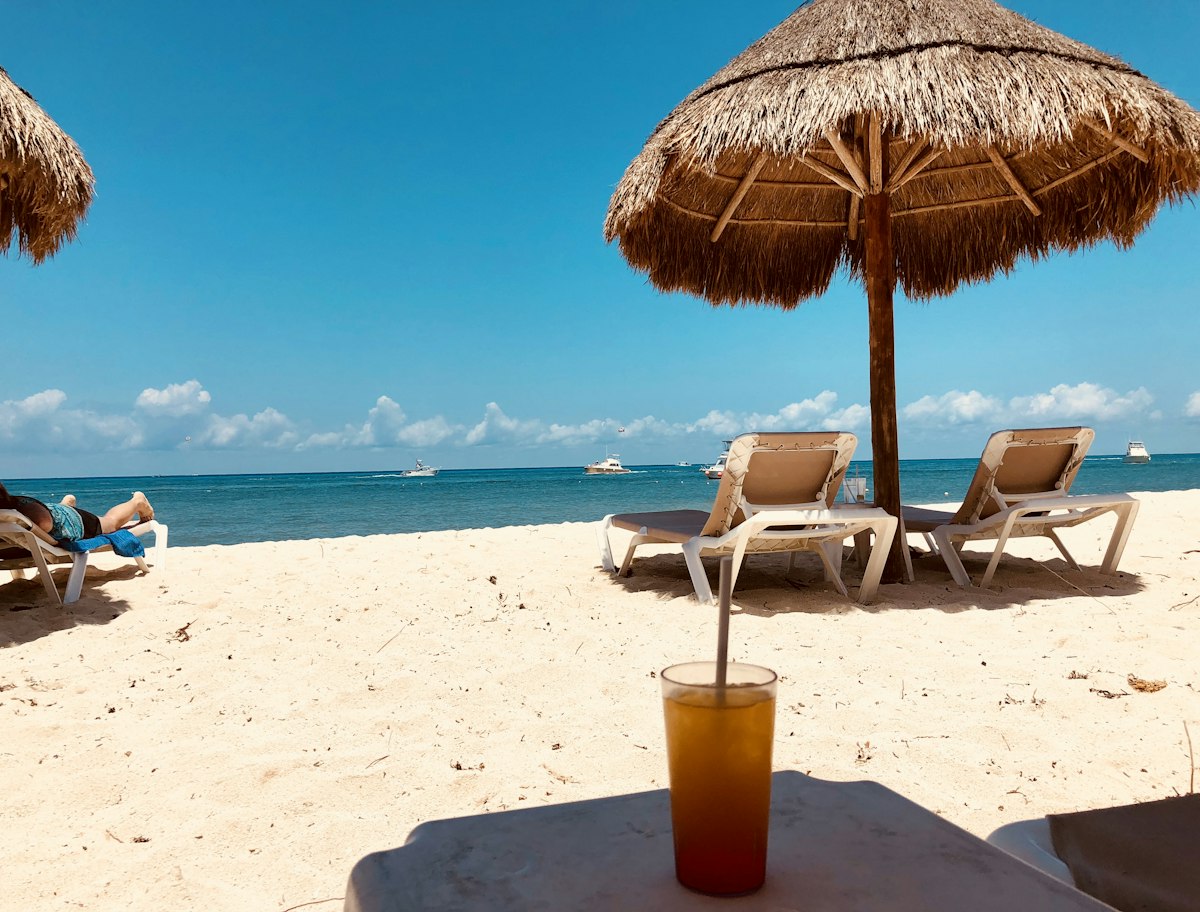
Ordering system for beach clubs
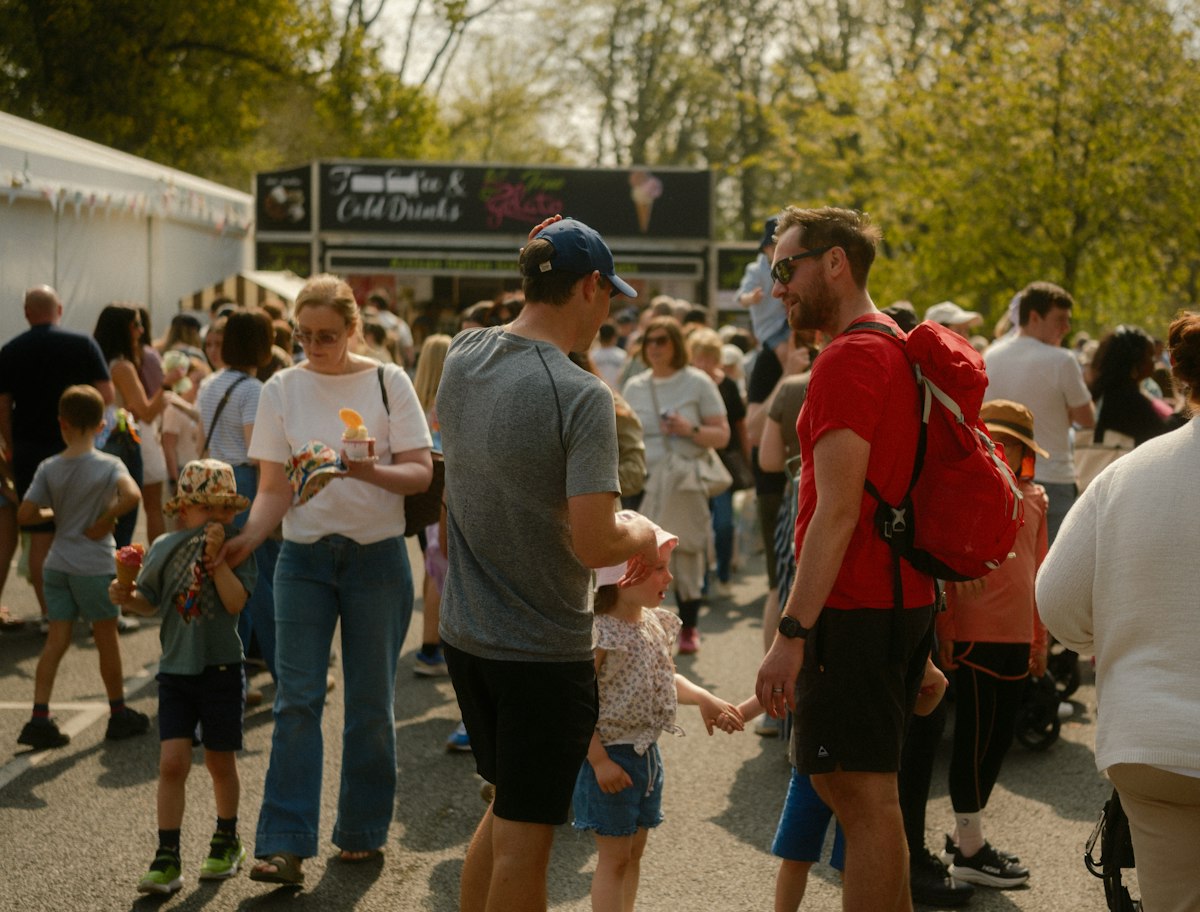
Digital ordering for festivals and events
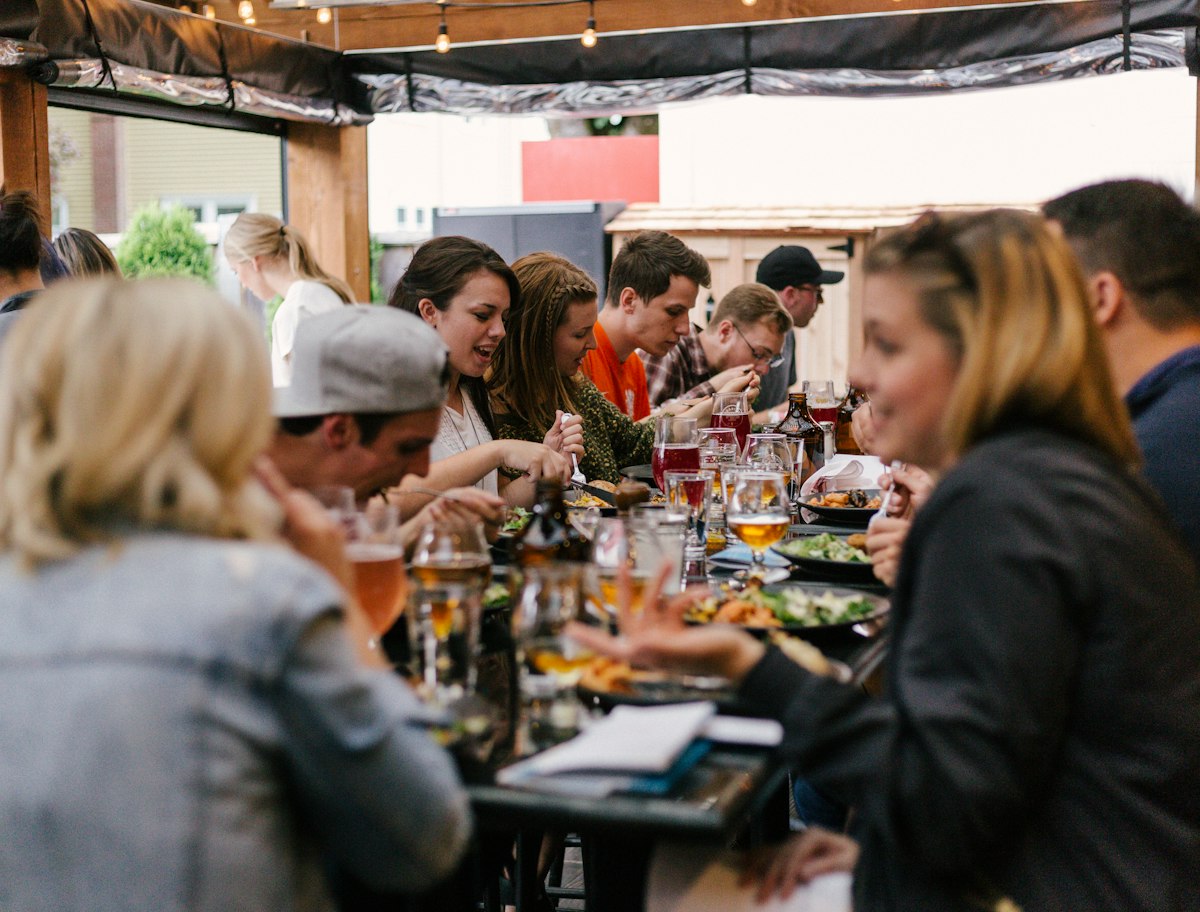
Digital ordering for restaurants and dining
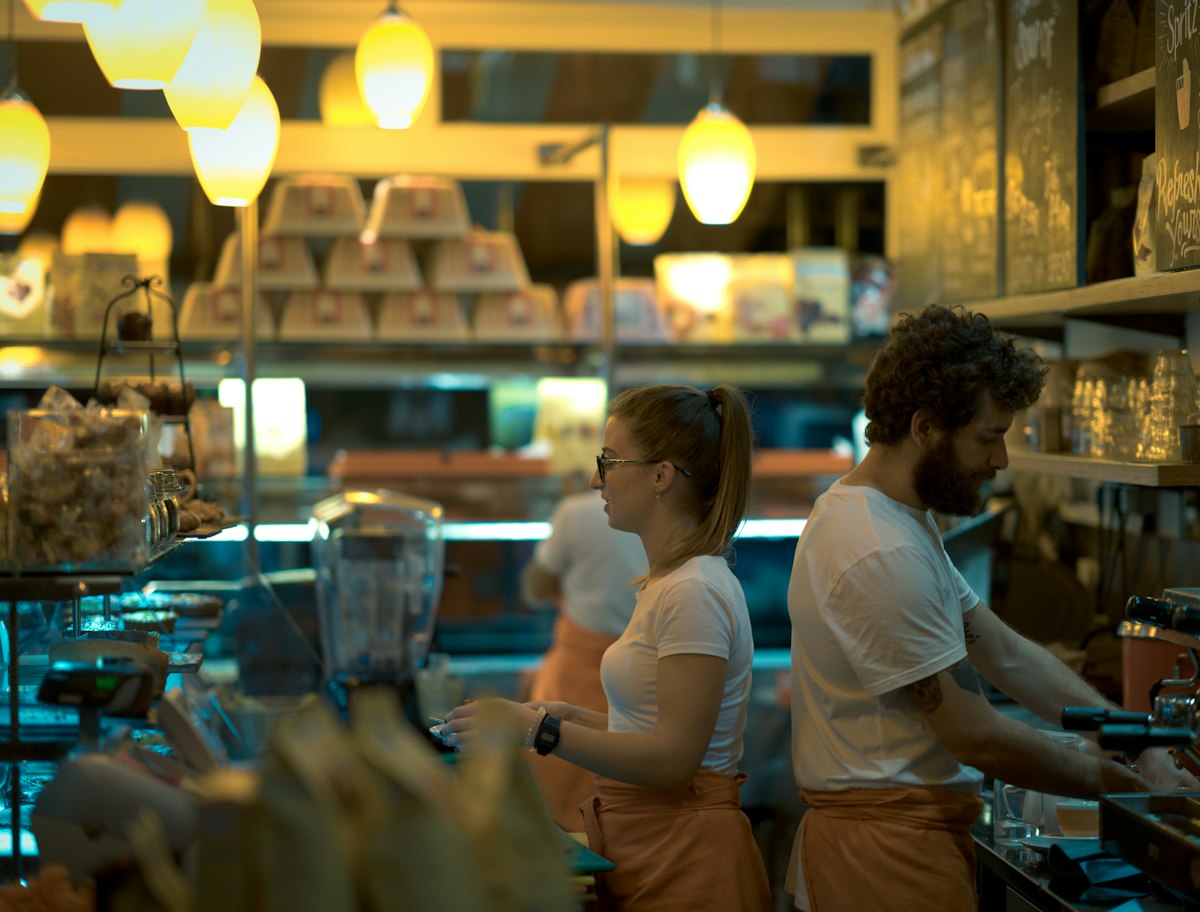
QR ordering and kiosks for cafes and bars
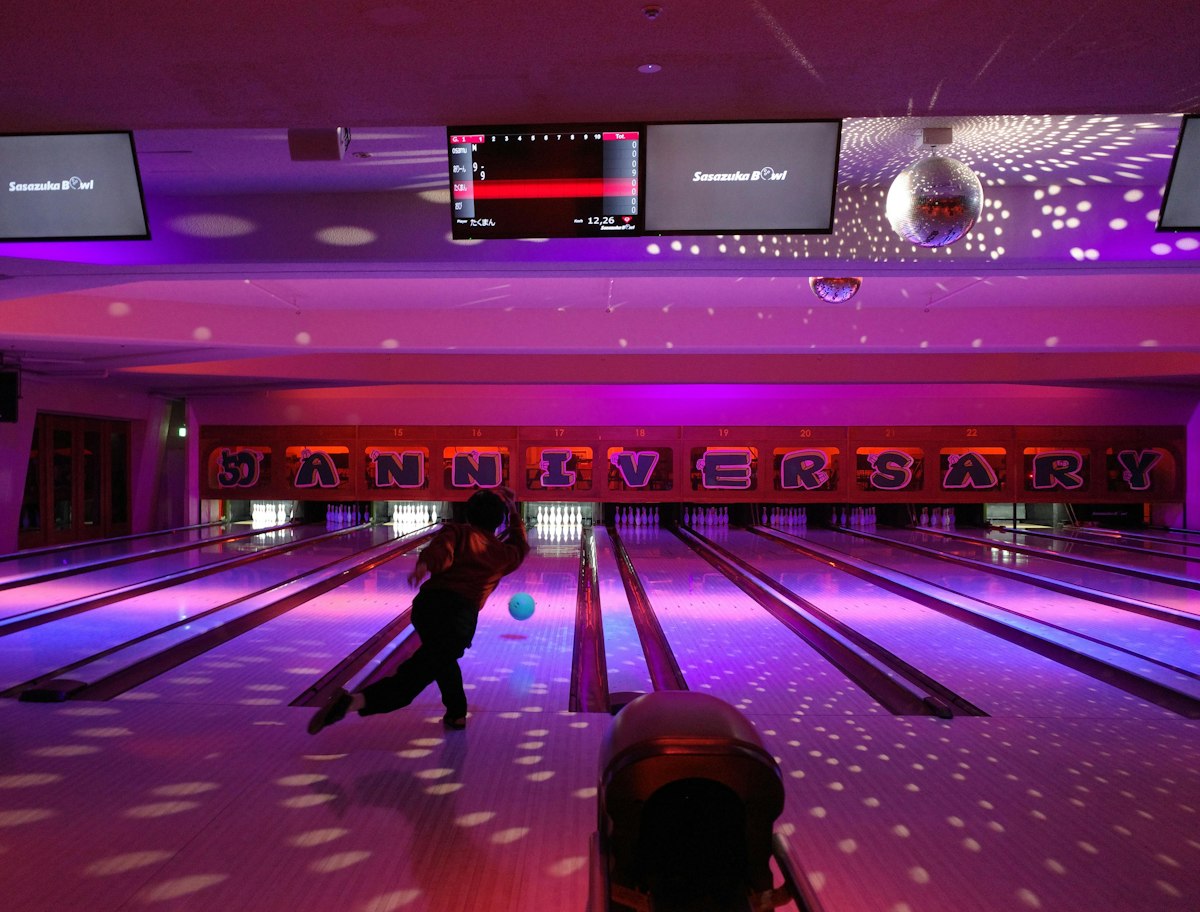
Digital ordering for bowling and entertainment
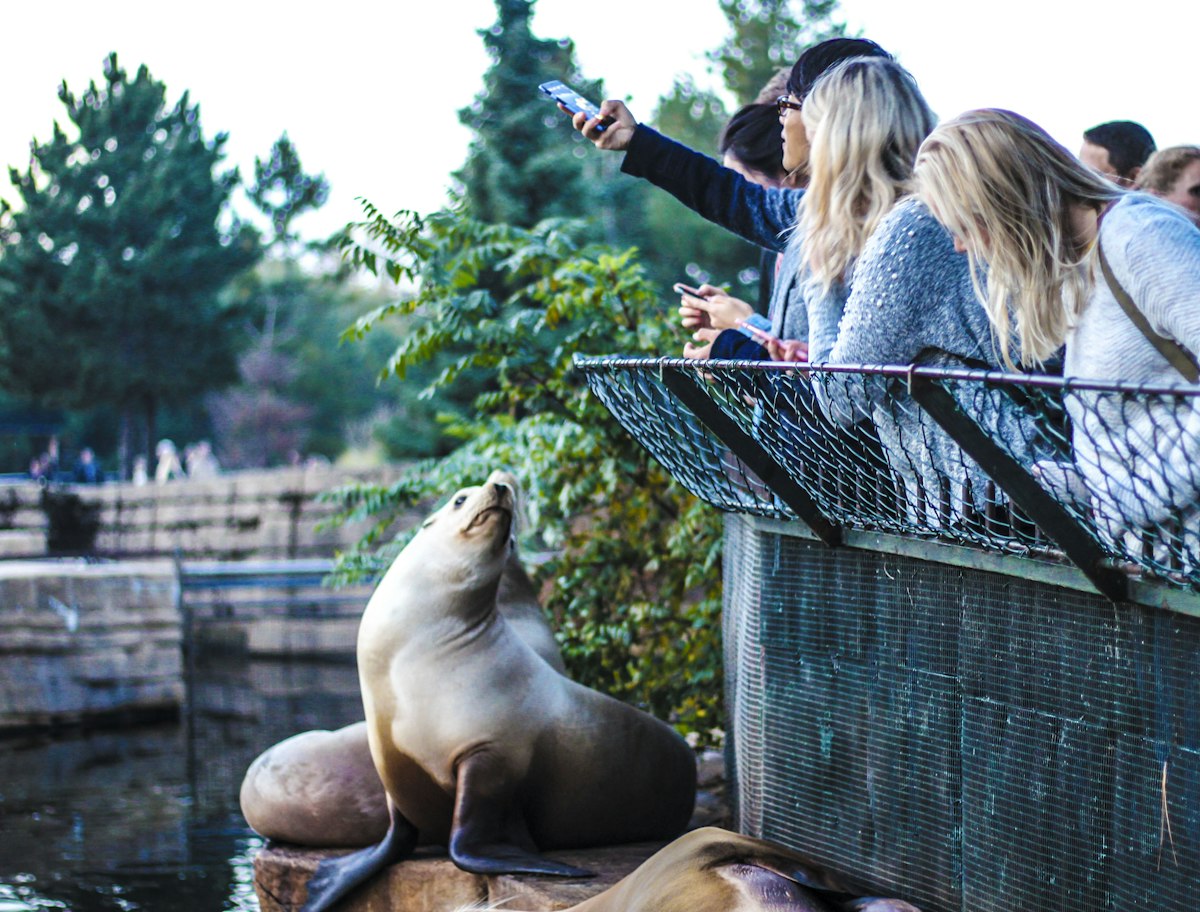
Digital ordering for zoos and animal parks

Digital ordering for golf courses
When ordering takes a few taps, guests order that extra drink or dessert they'd otherwise skip.
Your team brings food and drinks instead of taking orders and running card terminals.
Guests choose their own extras and notes, so the kitchen gets exactly what they wanted.
Both use the same menu and kitchen flow: choose by the way guests move through your venue.
Create one QR code per table and download a print-ready PDF.
Your categories, dishes and photos open instantly, no app, no login.
Guests customize every dish with your reusable add-ons and choice groups.
Clear tags and allergen warnings on every dish, with full details one tap away.
Guests can switch the menu between English, Dutch, German, French and Spanish.
Card, wallet and local payment methods through your own provider, with an optional tip.
Guests can follow their order as it's prepared and ready.
Guests can ask questions about the menu and get answers based on your actual dishes and extras.
Orders appear on the kitchen display with the table number and print on your kitchen printer.
Add your dishes, photos, prices and extras once in the dashboard.
Generate a QR code for every table and download the PDF.
Link Mollie, Stripe, Paystack or PayPal Business so guests can pay online.
Guests scan, order and pay; your team sees every order on the kitchen screen.
QR ordering is the lightest way to go digital, because guests bring their own device.
A QR code ordering system lets guests scan a code on the table, browse the menu on their own phone, order and (usually) pay without waiting for staff; orders go straight to the kitchen or bar. It works best for casual venues, terraces and busy bars, and costs either a monthly subscription, a per-order fee or a commission, plus your payment provider's transaction fees. Keep a paper menu and table service available for guests who prefer it.
Read guideBook a free demo and we'll walk you through the setup for your menu, your tables and your team.
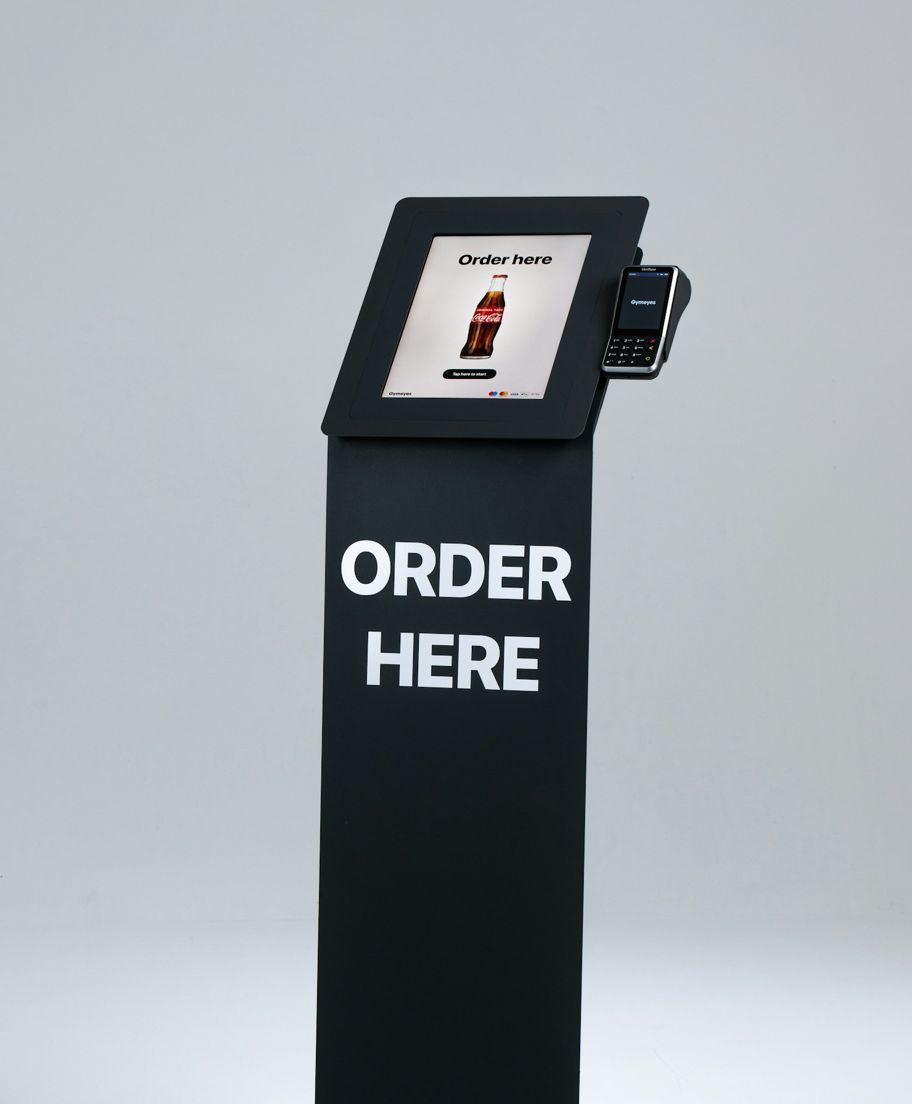 Self-ordering kiosk
 All you can eat
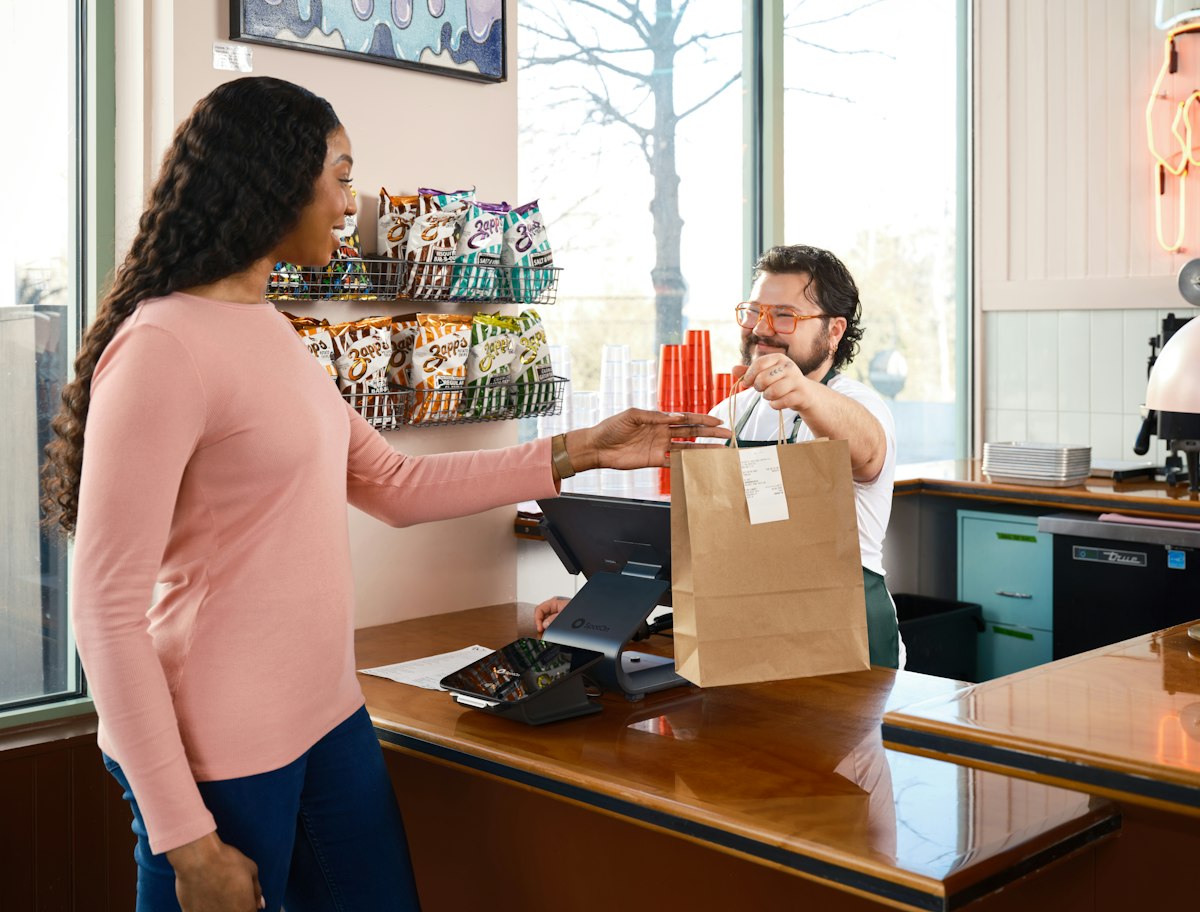 Webshop (Takeaway & Delivery)
 Table reservations