Your brand, your customers
Guests order from you, not from a platform listing next to your competitors.
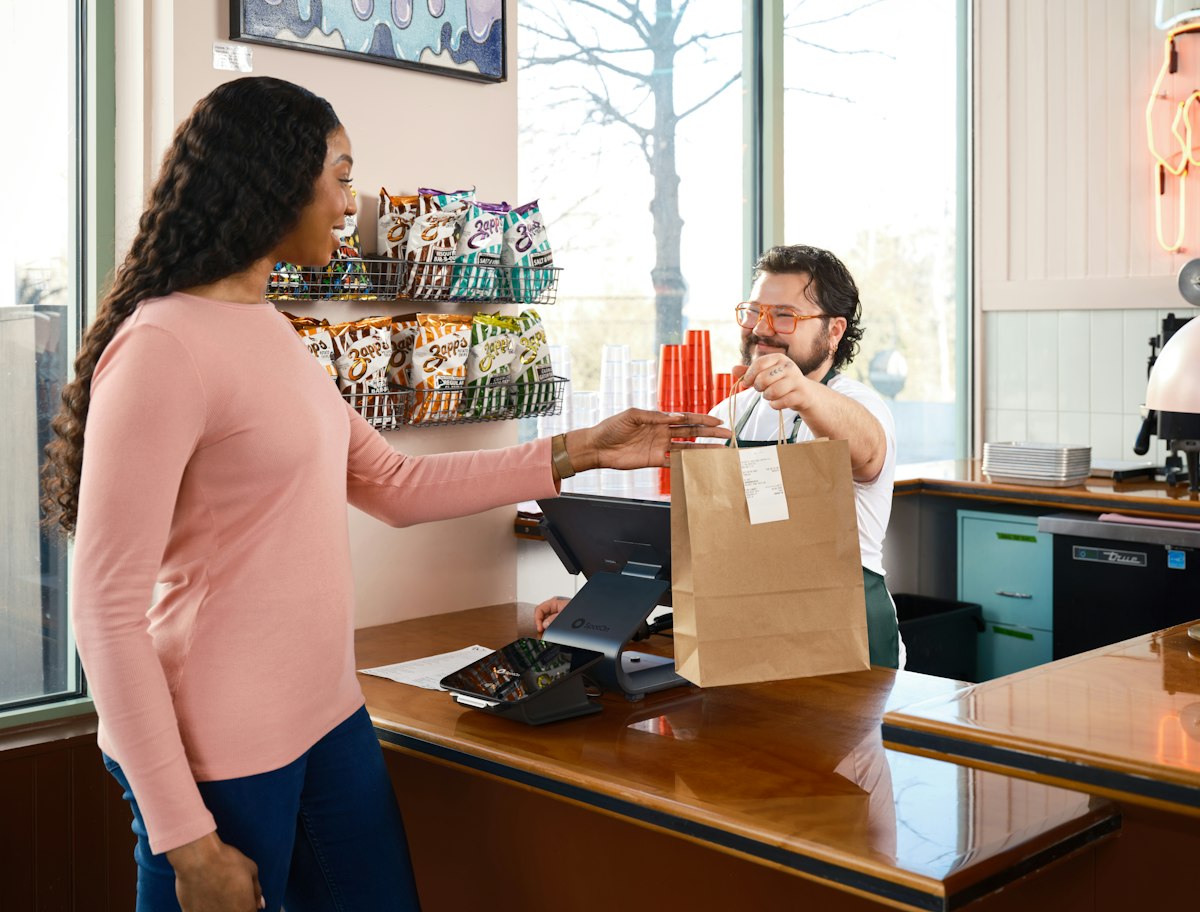
Your own online storefront for pickup and delivery: your menu, your brand, your customers.
Online ordering lets guests order takeaway or delivery from your own storefront link, which you can share on your website, Google profile, Instagram or WhatsApp. They choose pickup or delivery, pick a time, pay online and follow their order.
Unlike a delivery marketplace, the customer relationship stays with you. Orders land in the same dashboard and kitchen screen as your in-house orders, and you set your own delivery areas, fees and minimum order.
A direct ordering channel turns your regulars into direct customers.
Guests order from you, not from a platform listing next to your competitors.
Choose pickup, delivery or both, set prep times, fees and a minimum order.
Distance rings let you charge more for far-away addresses and refuse those outside your area.
Online orders join the same kitchen screen, printer and reports as dine-in orders.
A webshop works for any venue that serves guests beyond its own doors.
A link you can share everywhere makes ordering from you the easy choice.
Guests can receive status emails and, if you want, a Google review request after their order.
Your own zones, fees and drivers, or pickup only, if that suits you better.
Many restaurants use both. Here's how they differ.
One link for pickup and delivery customers; they choose the order type at checkout.
Turn delivery and pickup on or off with prep times per type.
Set fees and minimum orders per distance, for example up to 3 km, 6 km and 10 km.
Customers pick their address from suggestions, and the distance is measured automatically.
Mollie, Stripe, Paystack or PayPal Business: money goes to your own account.
Customers follow their order from preparing to ready or out for delivery.
Customers receive an email when their order is preparing, ready or completed.
Assign delivery orders to your own drivers, who get a simple driver app.
Optionally email customers a link to your Google review page an hour after their order.
Use the same menu as in your venue, or hide items that don't travel well.
Switch on pickup and/or delivery, set prep times, fees and your delivery rings.
Link your payment provider so orders are paid upfront.
Put the storefront link on your website, Google profile and socials.
Your webshop is part of the Restaurant by DTS platform, no separate website build needed.
Delivery apps typically take around 13–14% of the order value when you deliver with your own staff and around 30% when their couriers deliver, plus extra fees such as a per-order admin or payment charge and VAT on the commission. Uber Eats publishes 13–14% (self-delivery or pickup) and 30% (Uber delivery) for the Netherlands, UK and Ireland; Just Eat Takeaway.com (Thuisbezorgd, Lieferando), Deliveroo and Wolt agree terms per restaurant. The most reliable way to keep more of each order is to keep the apps for new customers and move your repeat customers to your own ordering channel.
Read guideBook a free demo and we'll walk you through the setup for your menu, your tables and your team.

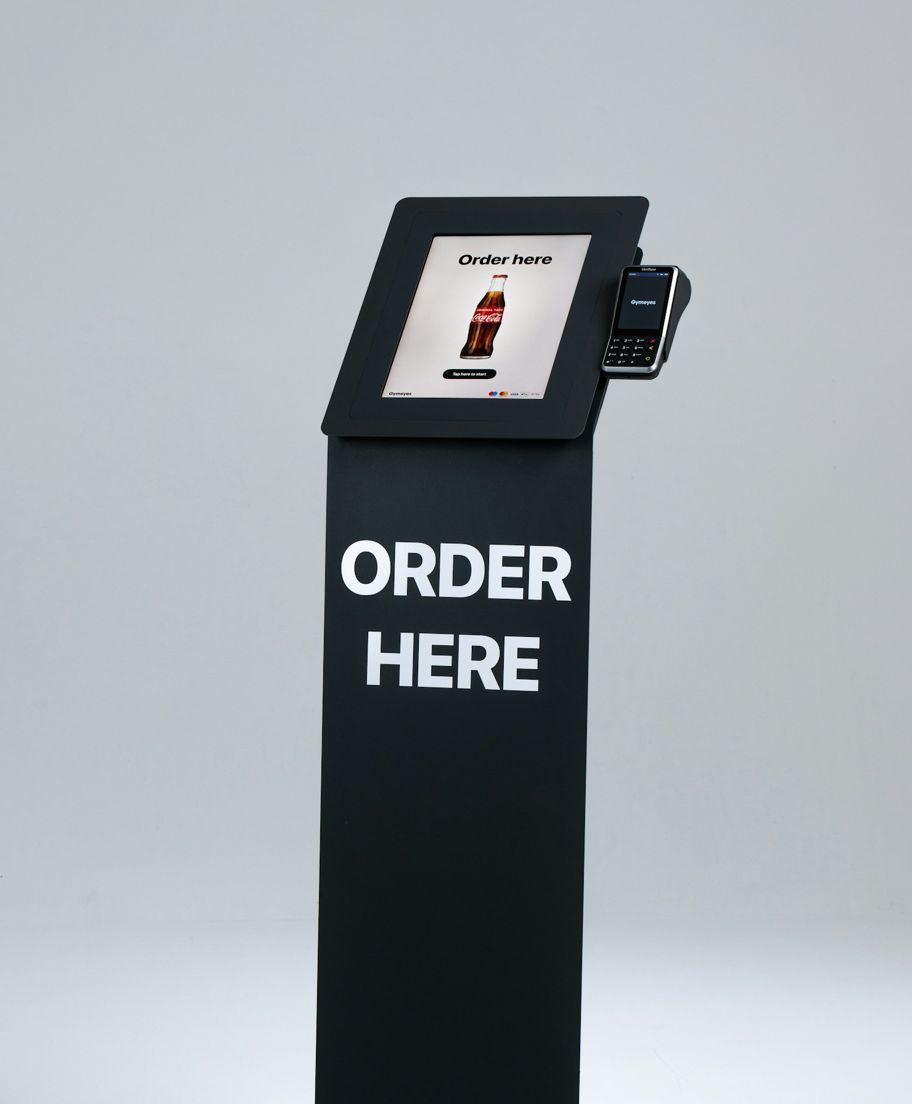 Self-ordering kiosk
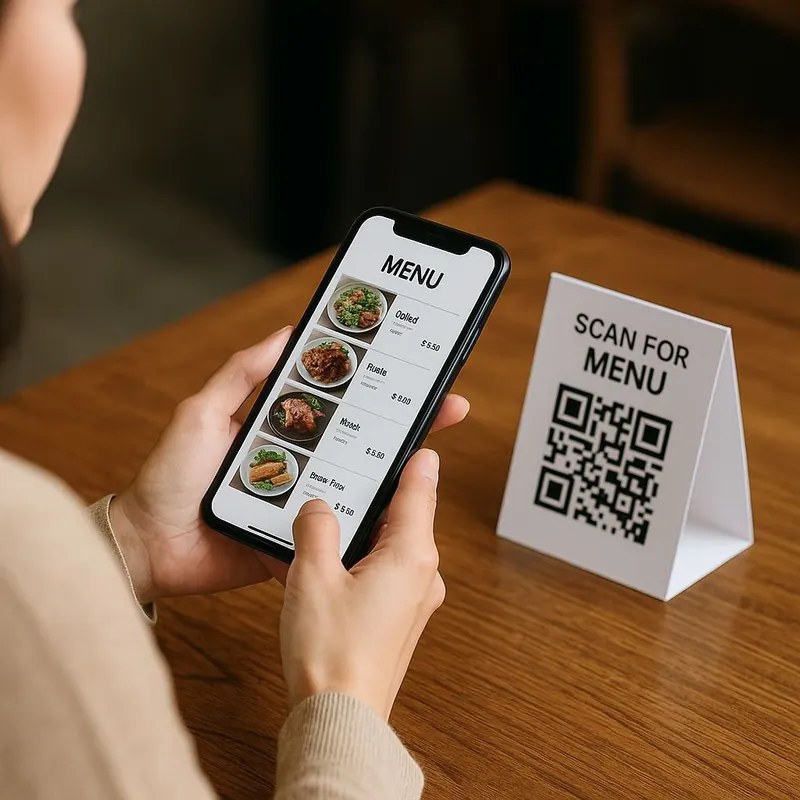 QR code ordering
 All you can eat
 Table reservations