One menu everywhere
Change a price once and it's correct at the counter, on the kiosk and online.
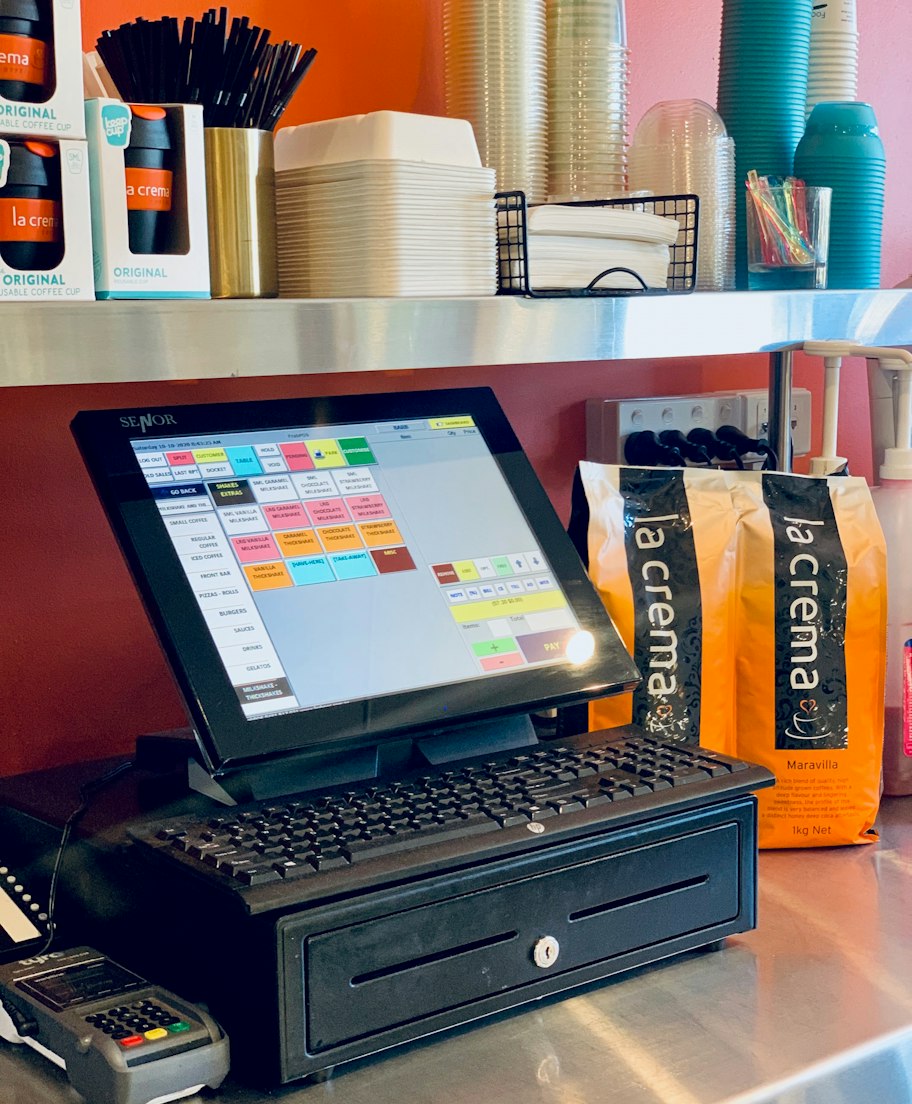
Orders, payments and the day's numbers in one place, at the counter and online.
A point-of-sale (POS) system is where your team takes orders and payments at the counter. In Restaurant by DTS, the counter till (called Quick cash order) is built into the same platform as your QR, kiosk and online ordering.
That means one menu, one tax setup, one kitchen screen and one set of reports. A counter order is created, paid, sent to the kitchen, printed and deducted from stock exactly like an online order.
When the till, online orders and kitchen are separate systems, the numbers never quite match.
Change a price once and it's correct at the counter, on the kiosk and online.
Tax is calculated with the same rates on every channel, so your totals add up.
Walk-in orders appear on the kitchen display and print as tickets, just like online orders.
An automatic Z-report sums up cash, card and online sales at the end of every day.
A built-in till works for every venue that also serves walk-in guests.
Digital ordering for hotels and resorts

Ordering system for beach clubs
Digital ordering for restaurants and dining
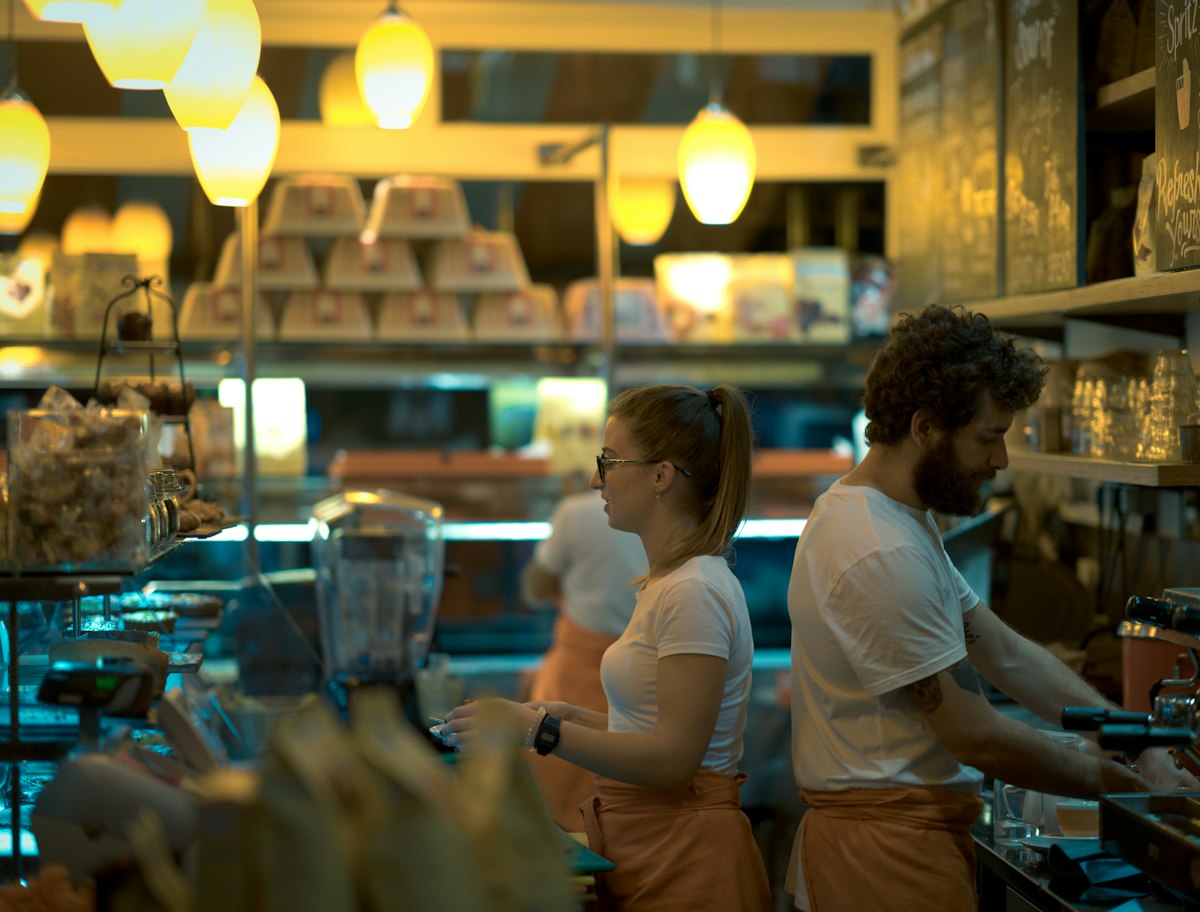
QR ordering and kiosks for cafes and bars
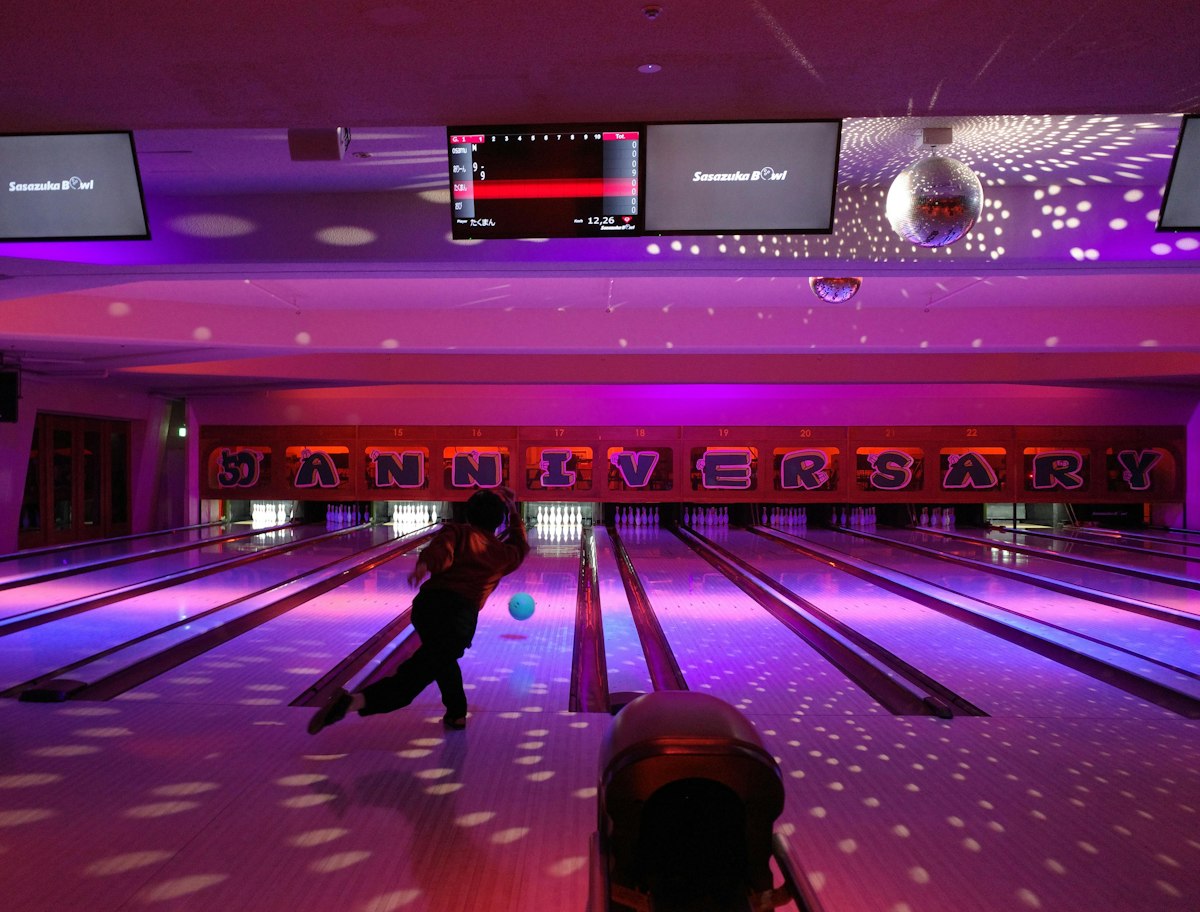
Digital ordering for bowling and entertainment

Digital ordering for golf courses
Search or filter the menu and add items in a few taps.
Excel and PDF exports your accountant can import into Xero, QuickBooks or Zoho Books.
Counter sales deduct stock just like online orders, so low-stock warnings stay accurate.
Find any item quickly and tap to add it to the order.
Change quantity or unit price per line and add custom items for anything off-menu.
Choose the order type for every counter order.
Enter the amount handed over and see the change due instantly.
Record card payments taken on your own terminal so totals stay complete.
Orders go to the kitchen display and print on your kitchen and receipt printers.
Cash vs card vs online, VAT per rate, fees, discounts, refunds and net revenue.
Excel workbook and PDF report with reconciliation checks.
Give each team member their own login with the right permissions.
In Order Management, start a counter order on any device.
Search the menu, adjust quantities or add a custom line.
Choose cash or card; for cash, enter the amount and see the change.
The order is paid, sent to the kitchen, printed and deducted from stock.
The counter till is part of the Restaurant by DTS platform, not a separate system.
There is no single European rule: each country sets its own. Germany (if you use an electronic till), Austria, Belgium (restaurants above €25,000 meal turnover), France and Italy require a certified, registered or tax-connected cash system. Spain is scheduled for 2027, although a delay to October 2028 has been announced. The Netherlands and the UK do not require a certified till, but they do require complete, tamper-proof sales records that you keep for 7 years (Netherlands) or at least 6 years for VAT (UK).
Read guideBook a free demo and we'll walk you through the setup for your menu, your tables and your team.
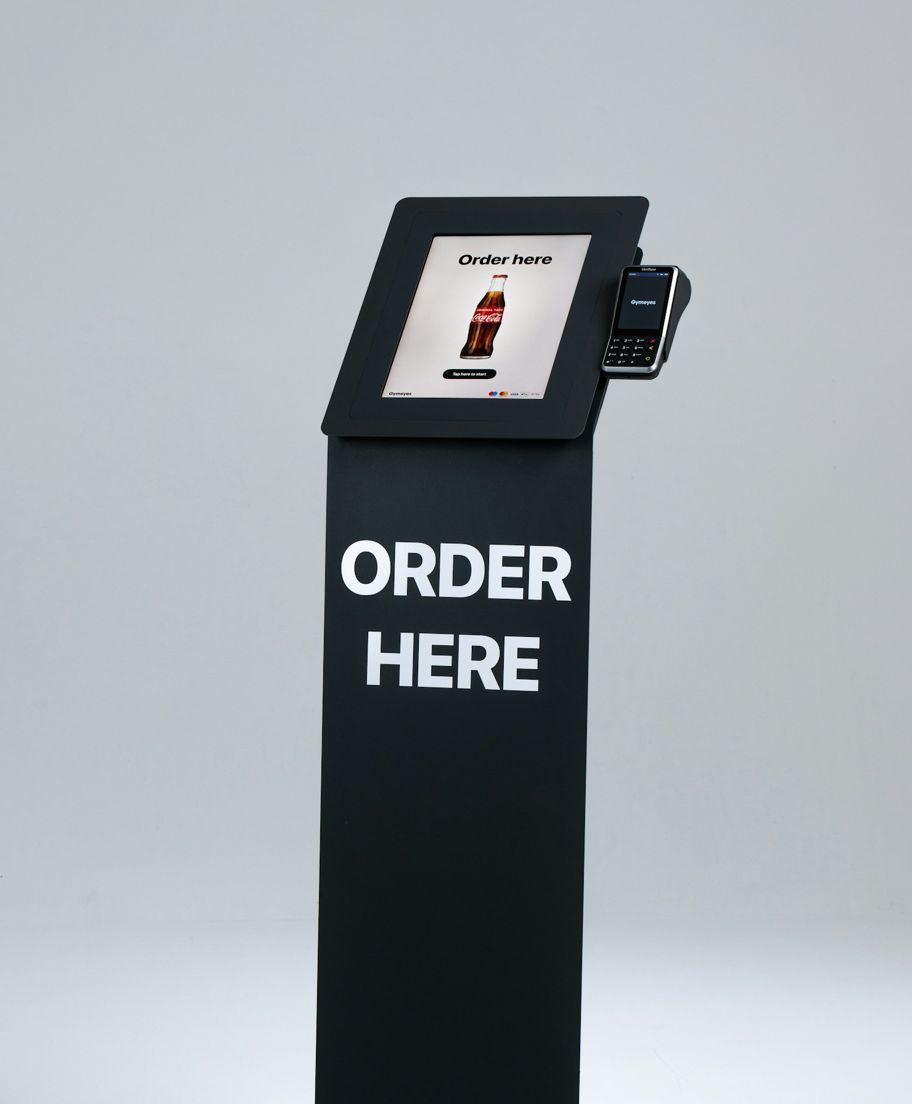 Self-ordering kiosk
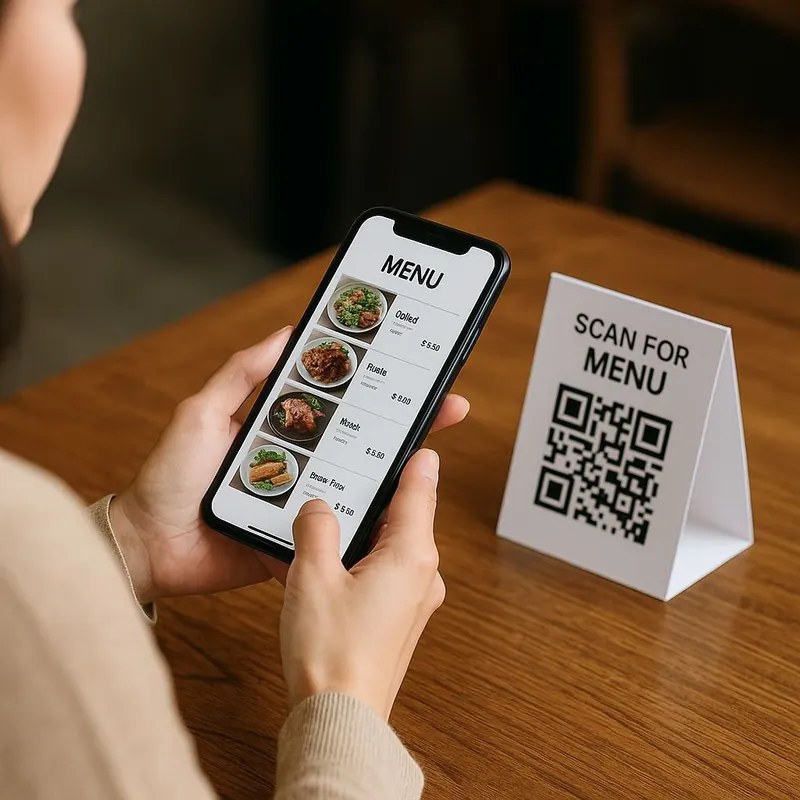 QR code ordering
 All you can eat
 Webshop (Takeaway & Delivery)