Nothing gets lost
Every order stays on screen until it's marked done.
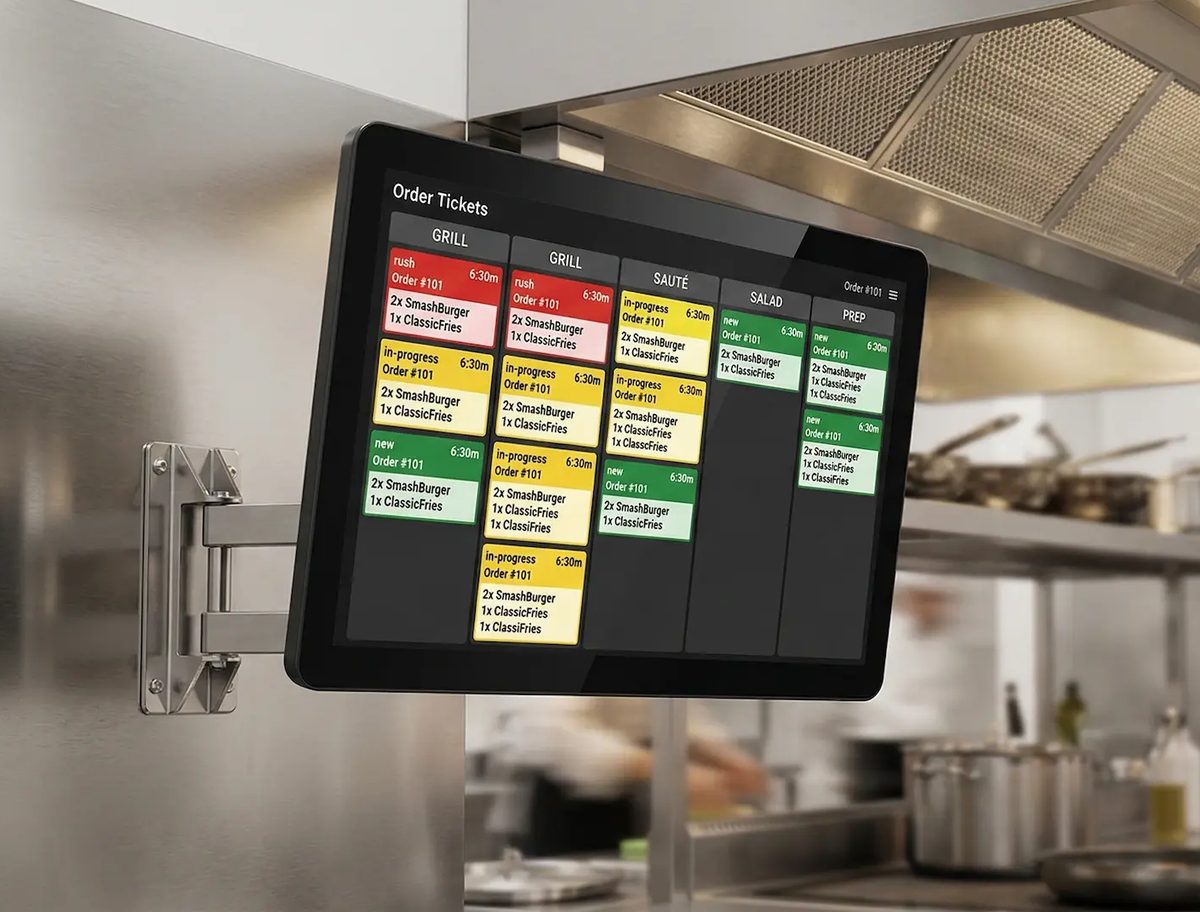
Every order from every channel on one calm, clear kitchen screen, the moment it's placed.
A kitchen display system (KDS) shows incoming orders on a screen in the kitchen instead of on paper tickets. The team sees what's new, what's in progress and what's ready, all in one view.
In Restaurant by DTS, orders from QR codes, kiosks, the counter till and your webshop all arrive on the same kitchen screen. Open it on a tablet, install it to the home screen and it runs full-screen during service.
When orders come from four channels, paper slips get lost. A screen keeps everyone in sync.
Every order stays on screen until it's marked done.
Dine-in, kiosk, counter, pickup and delivery orders in one view.
Sound, a pulsing bar, a glowing screen edge and vibration on phones and tablets.
Marking an order preparing or ready can update the guest automatically.
A kitchen screen helps every venue where orders come from more than one place.
A clear queue of what's next instead of shouting and searching for tickets.
Alerts escalate if nobody acknowledges a new order within 20 seconds.
Status updates and emails tell guests when their order is ready.
QR, kiosk, counter and online orders appear together.
Install the kitchen page to a tablet's home screen for a clean ticket view.
Choose the sound, volume, escalation and vibration on the kitchen screen.
Items, extras, choices, notes, table number or delivery address on every ticket.
Delivery orders are clearly marked, with the full address on printed tickets.
Mark orders preparing, ready or completed; guests can be notified by email.
Optional kitchen tickets on WiFi thermal printers via the DTS Print Bridge.
Printers skip tickets older than two hours, so a reconnected printer never prints old orders mid-service.
Optionally receive an email for every new order as a backup alert.
Sign in on a tablet in the kitchen and open the Kitchen page.
Add it to the home screen for a full-screen view.
Set the sound, volume and vibration your kitchen can hear.
Connect a WiFi thermal printer for paper tickets alongside the screen.
The kitchen screen is included in the Restaurant by DTS platform.
Book a free demo and we'll walk you through the setup for your menu, your tables and your team.


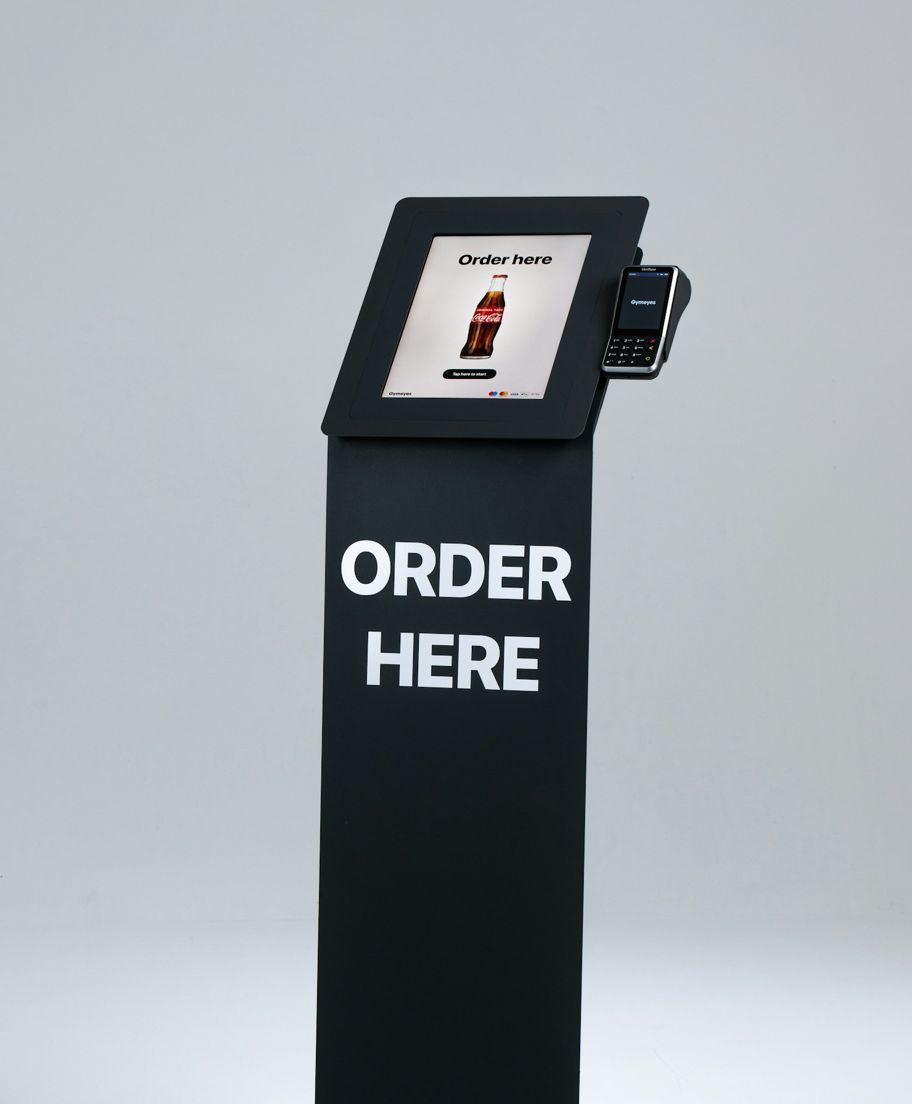 Self-ordering kiosk
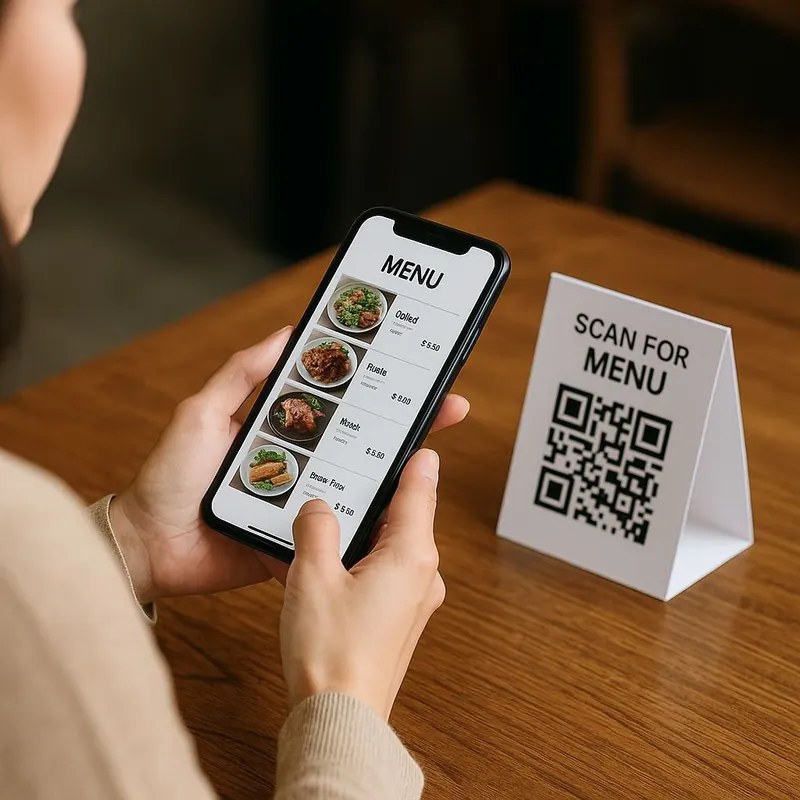 QR code ordering
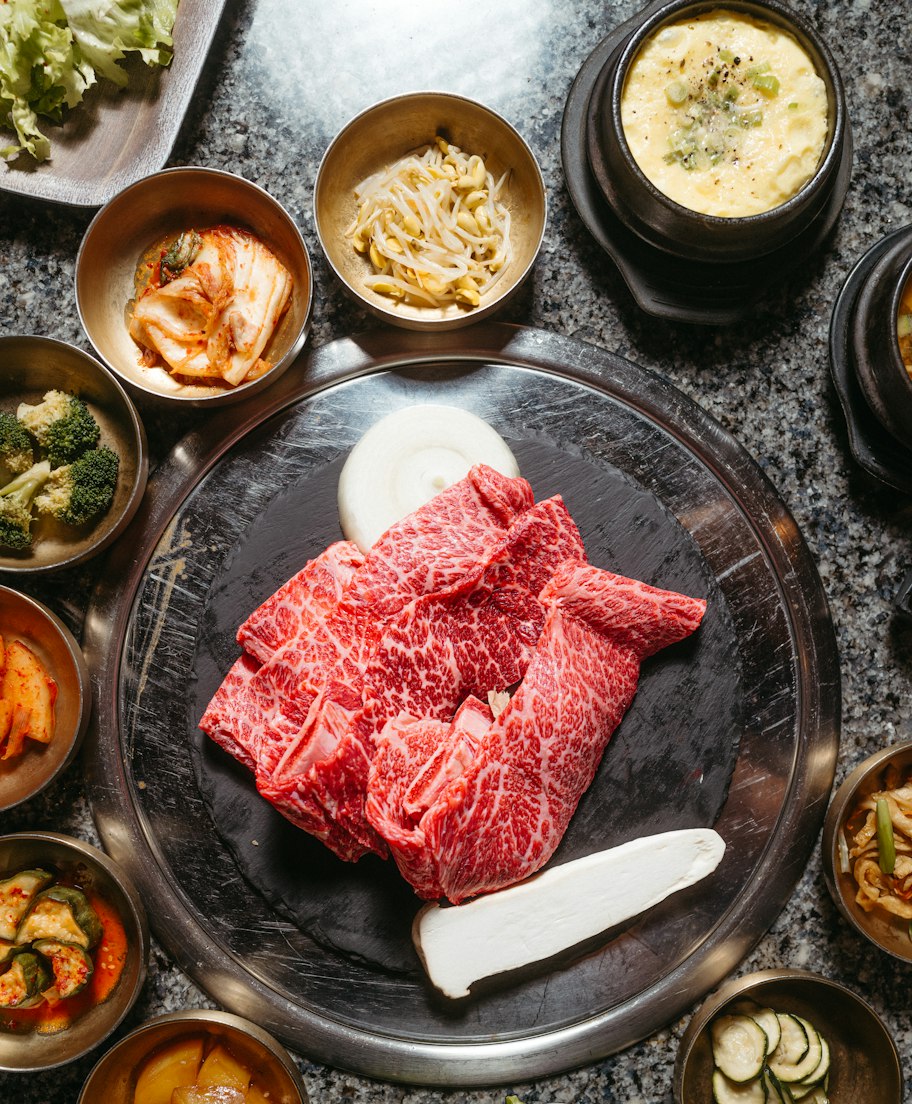 All you can eat
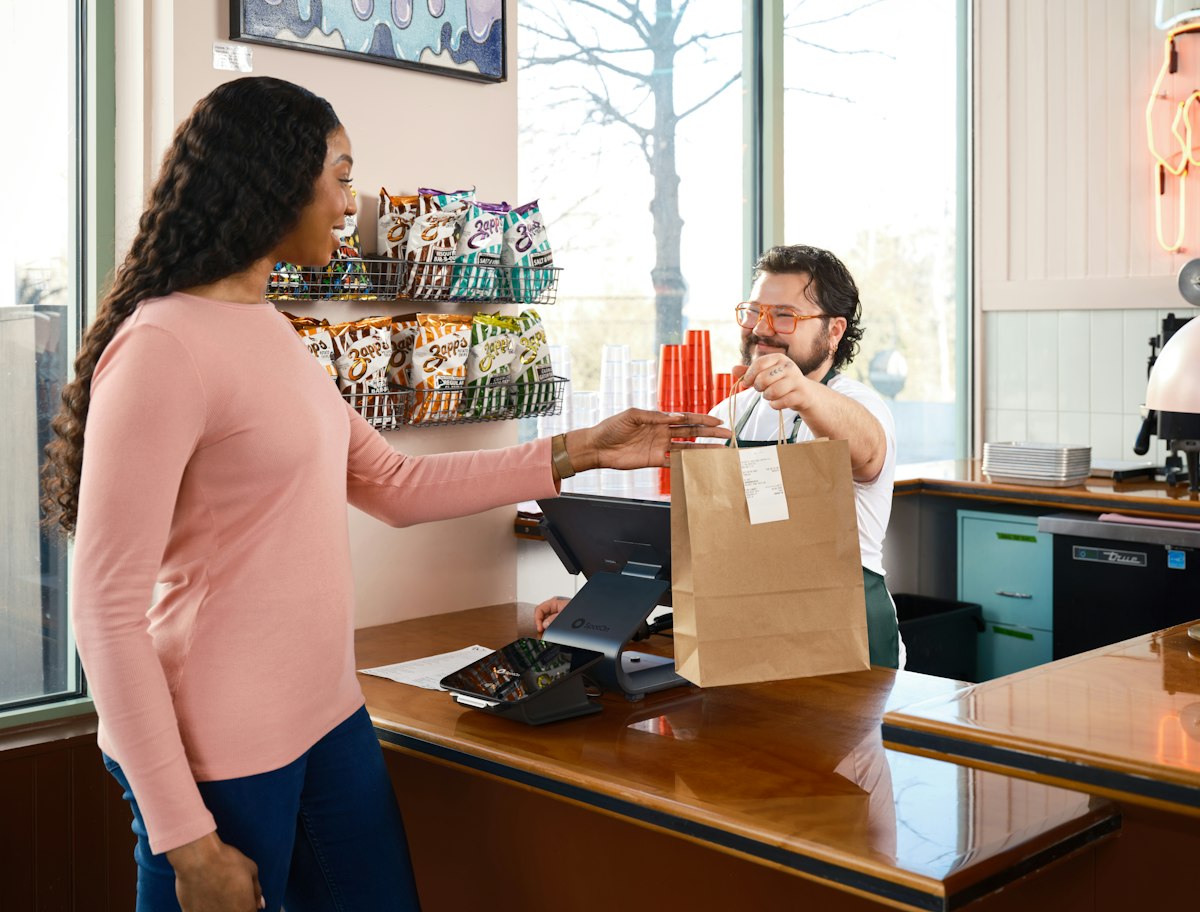 Webshop (Takeaway & Delivery)